Gadget Wisdom

Author: David Shanske

Registration time

2011-09-25 06:23:49

Website

https://david.shanske.com/

Email

david@shanske.com

All posts by David Shanske

0 Responses

LED Lightbulbs That Don’t Stink Coming Soon

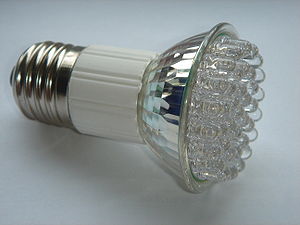
LED lamp with E27 Edison screw.
Image via Wikipedia

We love the idea of LED lightbulbs. Like so many technologies, CFLs just started to get good, and adopted by the mainstream when the latest thing comes. LED lightbulbs last over ten times longer, use less electricity, and…are dim. Very very dim.

We can’t even find equivalency on most LED bulb packages we’ve seen. We’re used to CFLs being categorized as the equivalent of a specific watt incandescent. Those stats are suspiciously missing from LED packaging. They use the more accurate lumens…but how many people have a sense of what a lumen is?

We checked the lumens on a  CFL and compared them to the LED and found it…again. DIM.

The New York Times reports that Osram Sylvania’s  Ultra bulb, available in August, and Philips’s EnduraLED, which will be in stores in the fourth quarter, will use just 12 watts of power to equal the light output of a 60-watt bulb. The 60-watt bulb is the standard of light bulbs.

The prices for these bulbs will be $30-$60…and hopefully in 2 or 3 years, down to $20, which is more expensive than a CFL bulb…but it does last ten times longer, uses less electricity, and doesn’t have some of the CFL issues, such as mercury usage.

Perhaps we’re skeptical, but we’ll believe it when we see it. We’ll gladly be early adopters, and hope LED bulbs get to where we’d invest.

Published on May 17, 2010
Full Post
0 Responses

Reading News and Such on the Android

Information consumption is one of the primary reasons for going with an advanced phone over a simpler option.

Traditional media has been slow to get into the online game. That is not to say they don’t have an online presence, but with some considering putting their content behind paywalls and such, it is clear things cannot continue as they are.

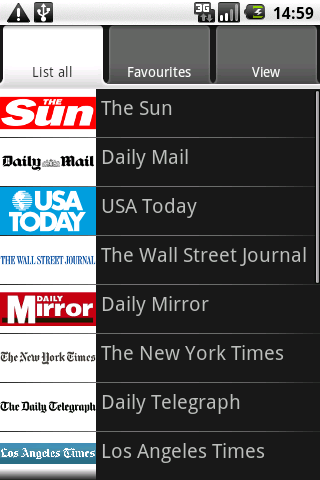
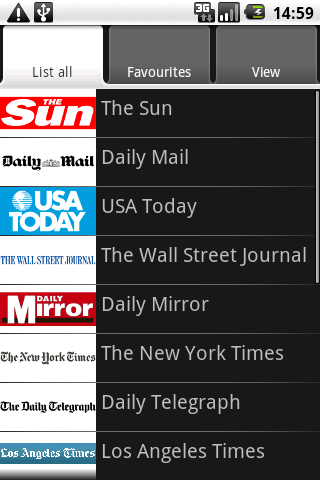
The New York Times released its Android app, apparently very similar to its iPhone app. We had been using Newspapers(pictured right). It is a simple web application. Essentially, it allows you to scroll the various news sources in a menu format and pull the mobile sites up…so it is more like a directory. But directories still have their place.

Our current favorite app for reading news on the Android is Newsrob, available in pro and free versions. It is an RSS reader that syncs to Google Reader. It also caches articles locally. Recently, during a plane trip, in airplane mode, we could read all full content RSS feeds that had been cached to the phone. It encouraged us to buy the pro version. Developers need to be rewarded, or they won’t continue to develop.

It may not be encouraging for newspapers and other sources that a mobile phone app can make purchasing the paper obsolete. Hopefully, papers will find ways to monetize this sort of reading in such a way that allows them to stay in business, but does not make readers jump ship to free sources of information. Putting the content behind a pay wall has not worked so far.

But at the least, we are as well informed as we want to be. What do you use to get your information fix? Do you put news widgets on your home screens? Share with us.

Published on May 13, 2010
Full Post
0 Responses

Dropbox Comes to Android

Image representing Dropbox as depicted in Crun...
Image via CrunchBase

Yesterday, we joined the Dropbox for Android Beta program, planning on using it for a day or two and then writing about it. Today, Dropbox is in the Android market. Either we got in on the tail end of that beta, or Dropbox decided to press forward.

Dropbox is a file sync service that gives you a default 2GB of storage in the form of a directory on your computer. Anything in that directory is synced to their service. More memory is available for an additional charge. We use it to keep our documents and data files synced between computers.

Now, we can access our important synced files using the dedicated Dropbox app. One more way of making the information we want available anywhere. We’re excited, are you?

Published on May 5, 2010
Full Post
6 Responses

MythTV Rig Update: Back to the Home Theater Frontend

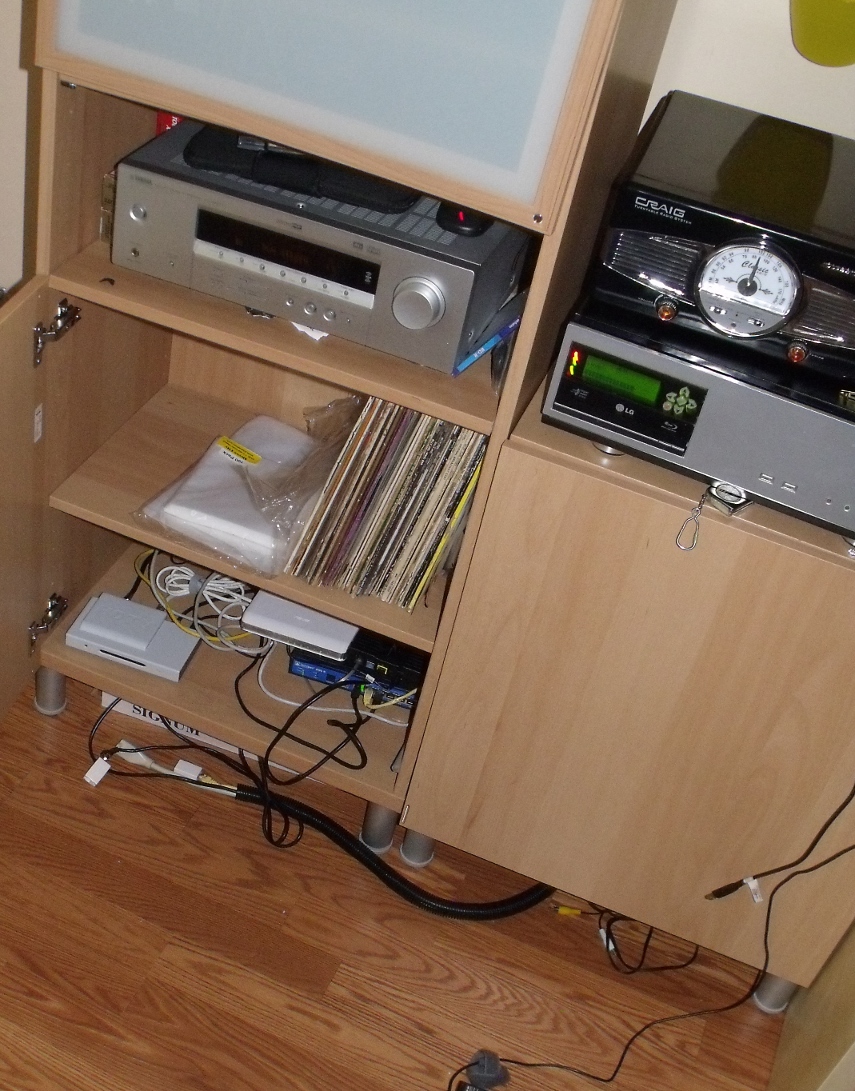
Since we last spoke of our Home Theater Frontend, it has gone through some changes. You can click here to see the pictures from the previous iteration.

After writing that, we started thinking about our lack of HDMI support, and started preparing for our glorious HDMI filed future. HDMI is the standard which is, and will be used going forward for digital video content, and carries both audio and video in a single cable. So, we wired up an HDMI cable with two DVI adapters to replace our existing DVI cable.

But that wasn’t enough, so we hopped on a Newegg deal for a video card that output to HDMI…one adapter down. Then, even though we hadn’t planned on it so soon, we upgraded the computer monitor we were using to a 32″ Westinghouse HDTV. It had an SPDIF line out, so the audio signal can return to the older receiver. It is amazing how one little decision…to prepare for a future upgrade can induce you to invest earlier.

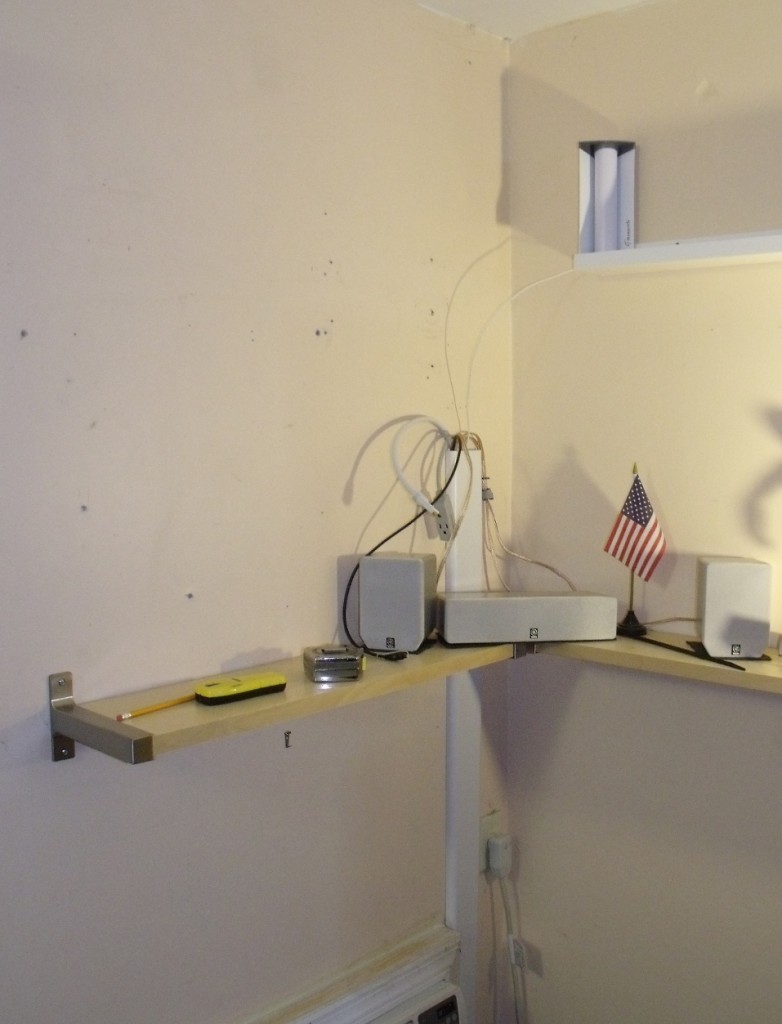
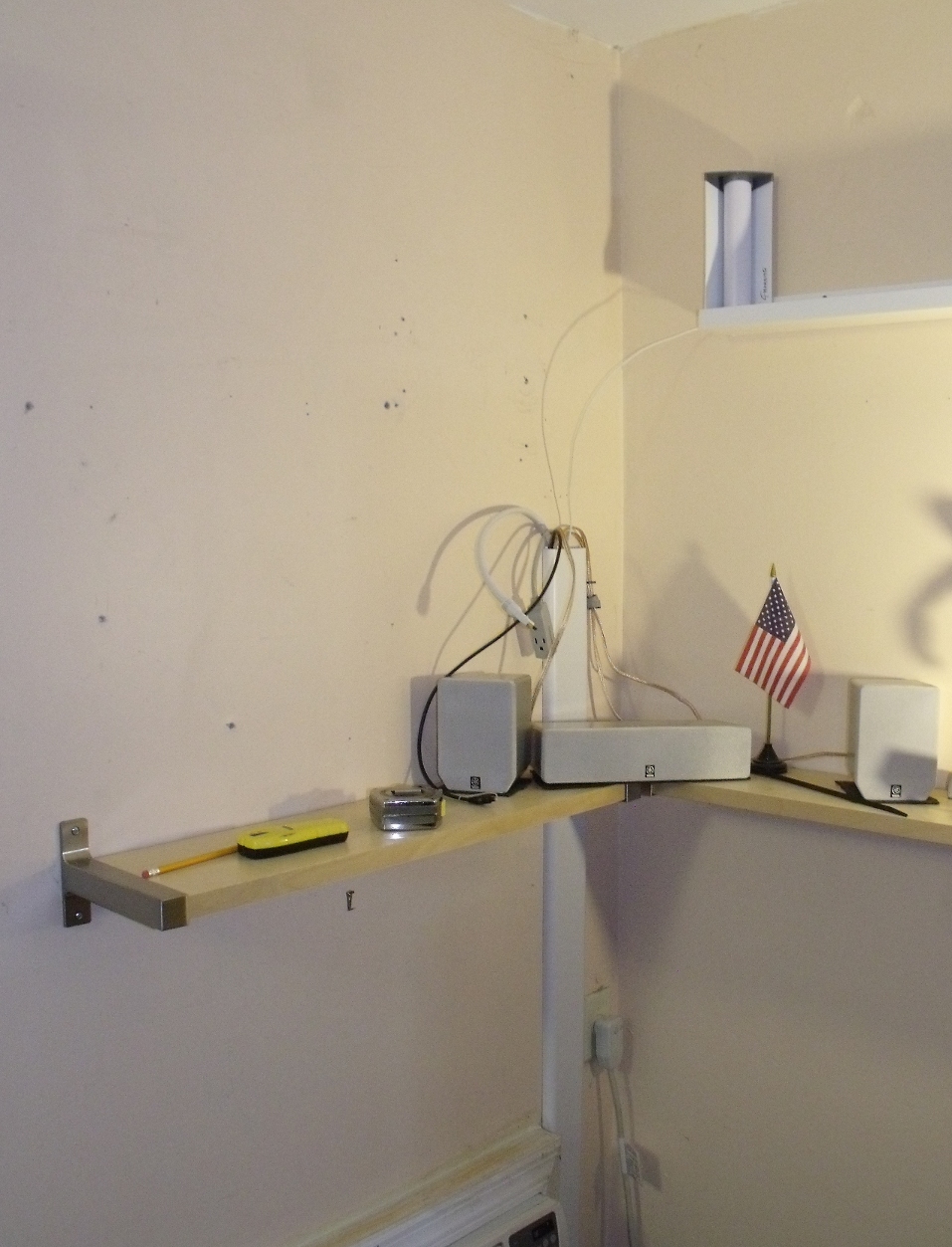
Why 32″ and not 42-47″ or beyond? Well, size considerations for the room. Here’s a picture from when we emptied the area to work on it. You can see the preparations mounting the new TV waiting there. High above is the room wi-fi antenna.

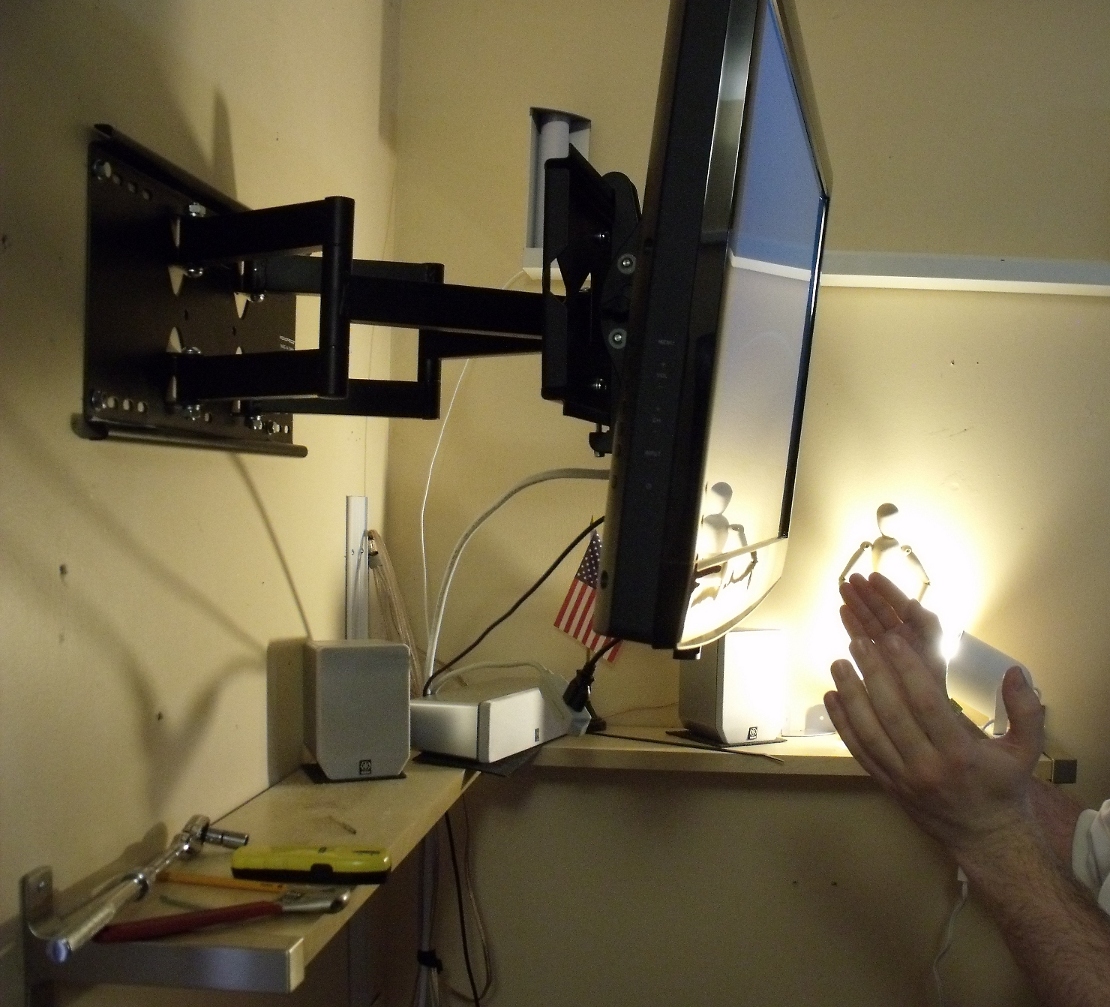
Here is the new mount and HDTV. It can extend a foot and a half from the wall, and tilt to a variety of different angles. And the mount is rated for roughly four times the weight of the television. HDTVs have been getting lighter. Either way, that mount is bolted into two studs, something we wanted. If it comes down, which it isn’t, it’s taking the wall with it.

Published on May 2, 2010
Full Post
0 Responses

Android, Web Browsers, and Bookmark Sync

The generic globe logo used when Firefox is co...
Image via Wikipedia

This week, two new browser projects released pre-release versions of Fennec(the mobile version of Firefox), and Skyfire 2.0 Beta.

http://www.youtube.com/watch?v=9t00fEV2_kE

Skyfire as a browser seems to have a lot to offer. It offers multi-tab browsing, some Flash video playback options. Meanwhile, if you know Firefox, you know what Fennec is based on. But apparently, they felt comfortable enough to release a pre-release alpha for people to see.

Remember, Alphas and Betas are not meant to  be stable. We didn’t try installing Fennec on our Droids, here’s a video from Android Central reviewing it. Fennec appears to be very well laid out so far, and will sync to your computer using Mozilla Weave.

There is the fully released Dolphin Browser. Many people have switched to it from the stock browser. It supports Bookmark Sync with Google. We did try Dolphin Browser, but we’ve stuck with the stock browser…for now.

We admit that, as Firefox users, we use Xmarks, which also syncs to Google Chrome, to keep track of our bookmarks. If you want to use that on Android, the current only way to do it is to use mobile.xmarks.com. You can bookmark that, and log in, and you’ll get your bookmarks. And it keeps the custom order you set up in Firefox.

What solutions do you use? We don’t claim to be Android experts. We’re learning about our Android phones day by day, as any user. We’ll share our thoughts, but we want to hear yours. How do you keep track of bookmarks and settings? What is your preferred browser?

Published on May 2, 2010
Full Post
0 Responses

Turning Off Your Lights Part II – Night Lights and Light Sensors

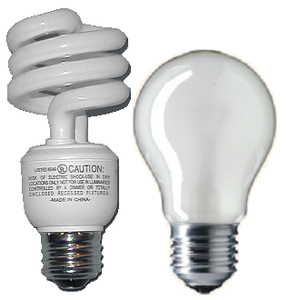
Image showing both a fluorescent and an incand...
Image via Wikipedia

Last time, we discussed the simple and easy to implement technologies of Occupancy Sensors and Countdown Timers to control lights. After we posted it, we missed one simple and overlooked item we use. Nightlights.

We’re not talking about lights that are kept on so small children are not afraid of the dark. We use nightlights to avoid tripping over something or falling down the stairs in the middle of the night. The simplest is a dim light embedded in the light switch, so it can be seen in the middle of the night. So, how can we save power by keeping lights on?

It is a matter of tendency. We know many people who leave their hall lights on all night. Nightlights are also the most popular use of the currently most energy efficient bulbs, the LED. They aren’t quite ready for primetime, due to their high cost in these forms, but they have come into their own for functions like undercabinet lighting and nightlights.

The second part of the equation is the light sensor. Like the motion sensor we motioned earlier, the light sensor turns on the light when the room, or the outside is dark. This is often used for outside lighting, and for nightlights, but you can, in theory, hook it up to any light.

By putting these sensors together with the countdown timers and occupancy sensors, you can start planning a setup for your home. Next time, we’ll begin talking about advanced light control systems and home automation. Admittedly, such systems are not cheap. Occupancy sesnsors and such are less expensive, but still require investment for a whole home plan.

Writing this post has inspired us to add more of these simple technologies to our own residence. We have been experimenting with home automation for years, but there are definitely issues, especially the cost. We’ll address this more in the next part of our series.

Published on April 26, 2010
Full Post
1 Response

Converting Your Toilet to Dual Flush

dual flush toilet
Image by drburtoni via Flickr

Lifehacker posted an article today about how to convert a toilet to dual flush, and we thought it was worth reposting.

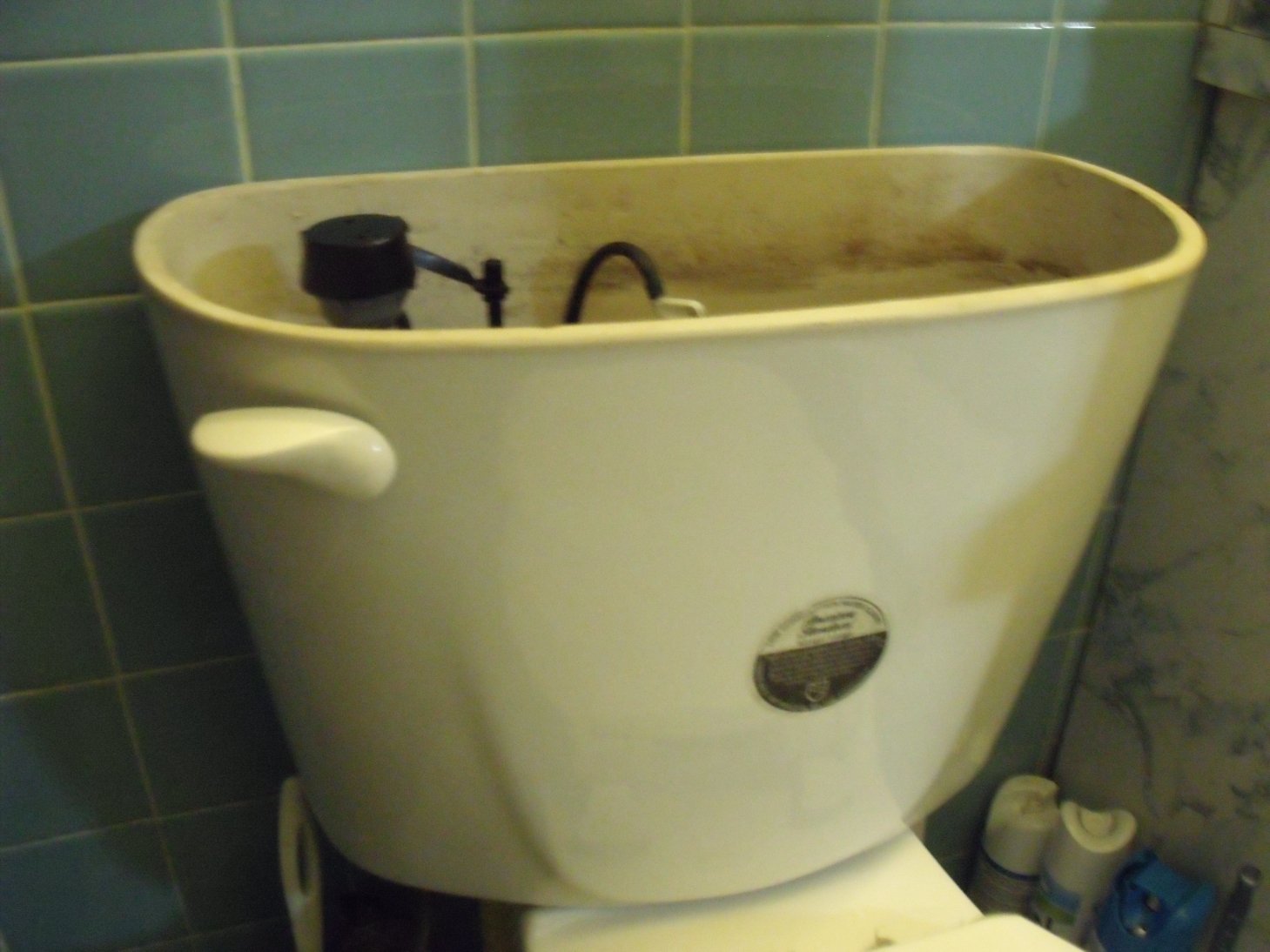
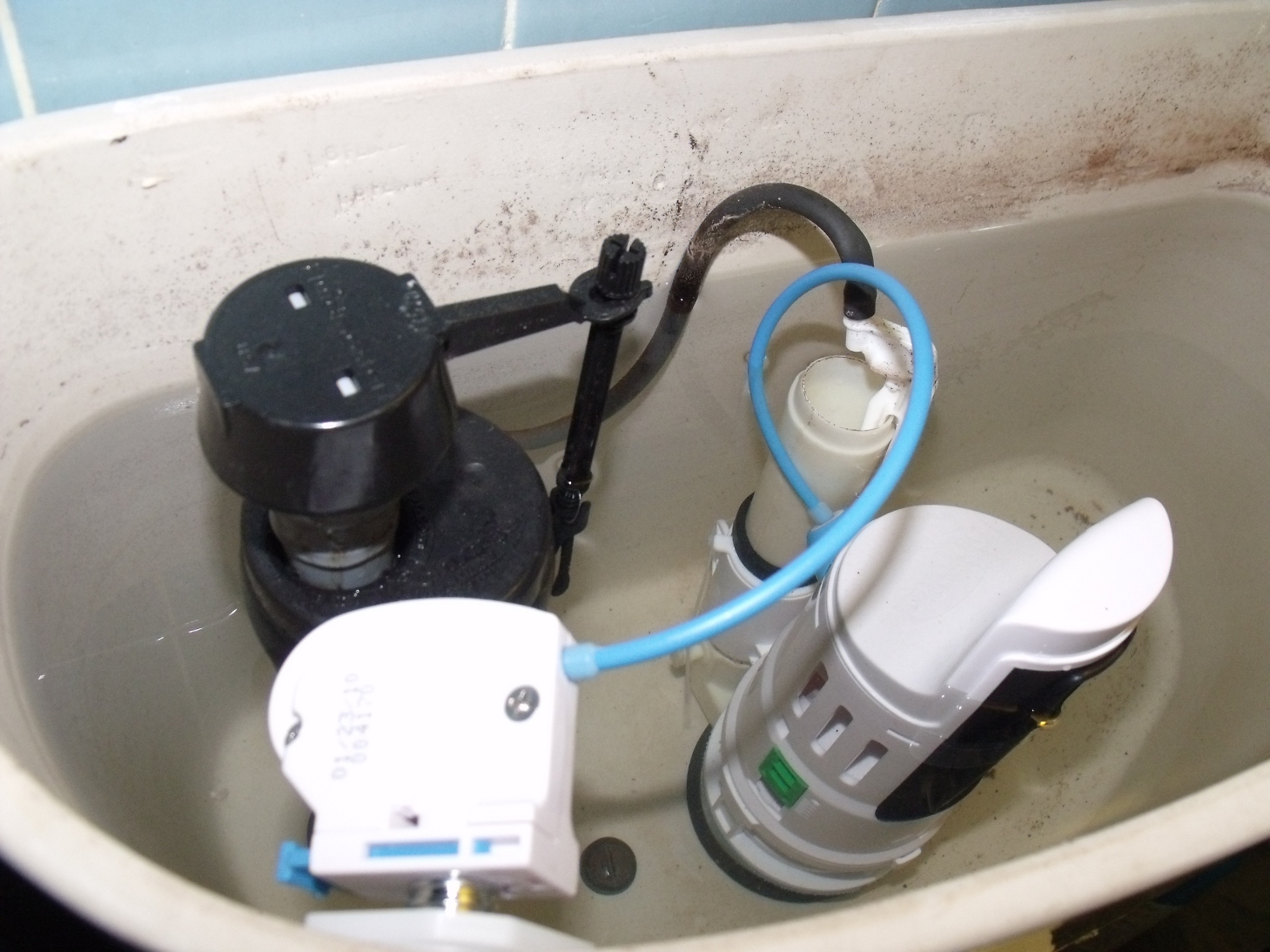
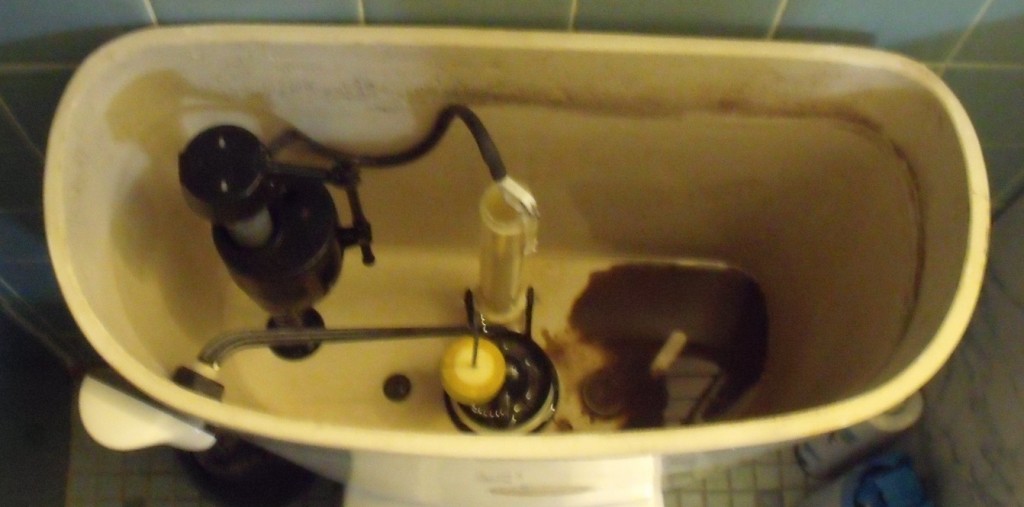
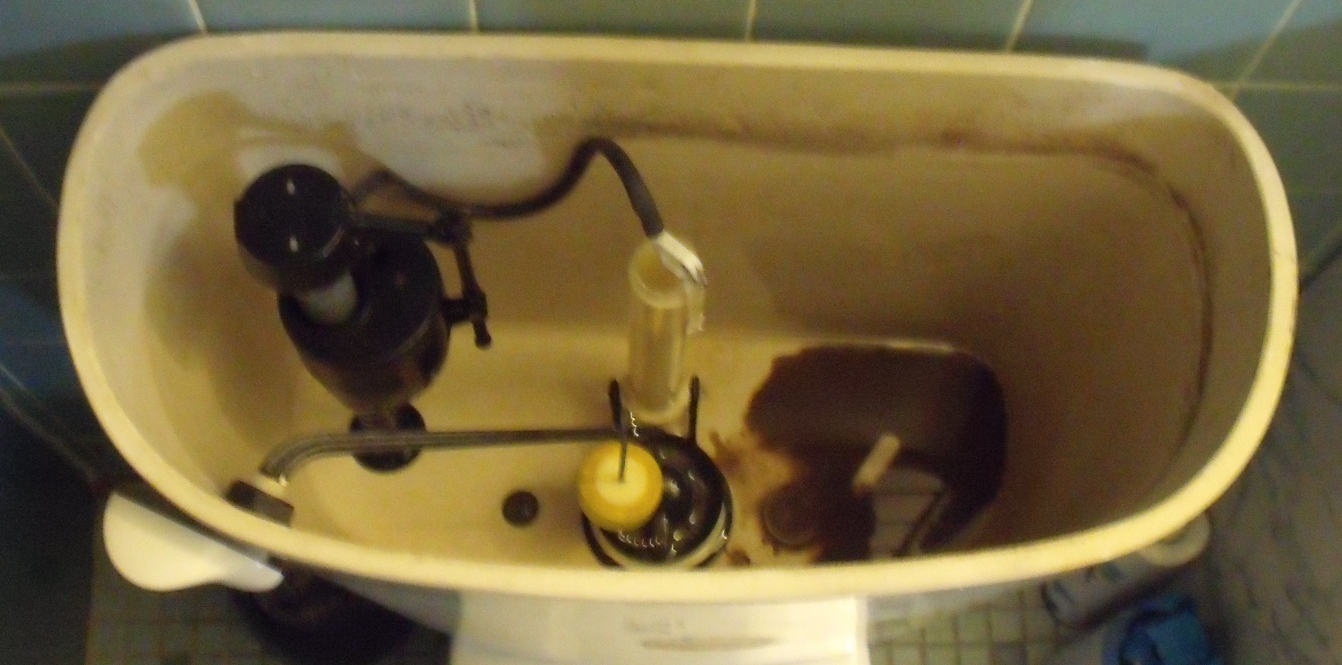
We didn’t know you could retrofit an existing toilet for only a few dollars. For those of you who don’t know, a dual flush toilet offers two levels of flush. This could reduce your water bill significantly, as, to put it as succinctly as possible, liquid waste requires less flushing than solid waste. A regular toilet would use the same amount regardless.

A conversion unit could cost as low as $25-$30. Sounds like a project we might try in the future.

Published on April 25, 2010
Full Post
0 Responses

Turning off Your Lights Part 1 – Occupancy Sensors and Countdown Timers

Smarthome, Inc.

In the 70s, President Jimmy Carter told America it was time to turn off their lights. Not making this a political blog and discussing Carter overall, Jimmy Carter’s comments on energy are exactly what people are prioritizing today. Turning things off when they aren’t in use makes financial sense. Energy costs money, so why waste it?

We know someone who thinks Global Warming and such are a crock, but even they are pro energy efficiency for financial reasons. So, whether you are in it for the money, or the loftier planet-saving, or something in between, wasting less energy seems like a good thing. We have previously discussed energy saving power strips that shut things off when not in us(link).

Now, we’re going to cover some other switch types for shutting off your power. We’re focusing on lights, but there are other things that can be hooked up to such switches.

Let’s start with countdown timers. We use a countdown timer for the bathroom exhaust fan…which is coincidentally a good way to time limit your showers. You press a button, and the light/fan/etc is on for a period of time. The one we use has 10-20-30-60 minute buttons. Where can this feature be used to good effect elsewhere?

The other equivalent option is the occupancy sensor. It detects movement in the room. These things are often made fun of, because if you stay too still for a period of time, they tend to turn off. But as long as you move regularly, it should be fine. Positioning is important though, as the sensors have defined range.

These two options are the cheapest way, other than remembering to flick the switch, to turn off your lights. Sure, it costs money to get them…but remember the reward. Stay tuned.

Published on April 23, 2010
Full Post
1 Response

Android Should Separate Apps from OS

There is fragmentation in the Android market. Due to carrier approval delays on operating system updates, among other things, the Android marketplace is split between 1.5, 1.6, and 2.1. This means that going forward, unless you want to hack your phone, you may experience long delays in upgrades.

Engadget reported that Google has a solution(via Mobiputing). It plans to unbundle the apps from core operating system. And this makes sense. If a new update to the web browser comes, you don’t have to wait for it to go through the manufacturer and carrier approval process.  Carriers should approve and test the basic phone functionality…integration with the carrier’s network, reliability, etc…all the things we expect of them.

But if Google wants to push out an update to the alarm clock app, or something that won’t change its phone functionality(except at a very high level, ie appearance/organization), they won’t need approval. And customers will be happier. They’ve already done updates to Google Maps, for example, without needing to run that by the carriers and manufacturers.

By decreasing the amount of pieces of the puzzle that are part of the OS and rolling them into the Android Market for updates, we would all get a better experience. But that is just our opinion, we suppose.

Published on April 19, 2010
Full Post
2 Responses

The Android Market Needs Organization

The Android Market, it was reported, now has 38,000 applications for download. Of course, the problem being that many of them are not apps, per se. There are adult applications, soundboards, wallpaper, etc.

The problem with the Market is the organization. It isn’t intuitively designed. It has only basic filters, like Features, Latest, Top Paid, and Top Free. It only has one level of categorization. We call upon Google to subdivide the market further into more categories and add more advanced search options, perhaps separate the gaming, the wallpaper/soundboards, productivity apps, and adult entertainment into independent sections and allow categories to be automatically filtered from search if you are uninterested in them.

The Market is open and unrestricted, allowing a lot of duplicative and useless garbage to be entered into it. Without Google providing a superior hierarchy, we will have to defer to third party applications(which we might do anyway), such as AppBrain or Doubletwist. More on them in future posts.

How do you think the Android Market could be fixed? Comment below.

Published on April 16, 2010
Full Post

Get New Posts By Email