
 vacation home temperature monitoring. The focus there was temperature and humidity. But there is a more urgent monitoring need. Leak monitoring. There are a lot of choices for leak sensors in various price points and using various technologies. The sensors my fellow writer used were wifi based and require an app.
Water leak sensors are not exciting smart-home gadgets until the day they save you from a ruined floor, soaked cabinet, or slow leak nobody noticed.
That is especially true if you are monitoring a second home, basement, utility room, or any place where a leak could sit for hours or days before someone finds it.
I wanted something simple enough to install in a bunch of places, cheap enough to use generously, and flexible enough that I was not completely dependent on one company’s app forever. That is what led me to Govee leak sensors.
Quick Answer: Are Govee Leak Sensors Worth It?
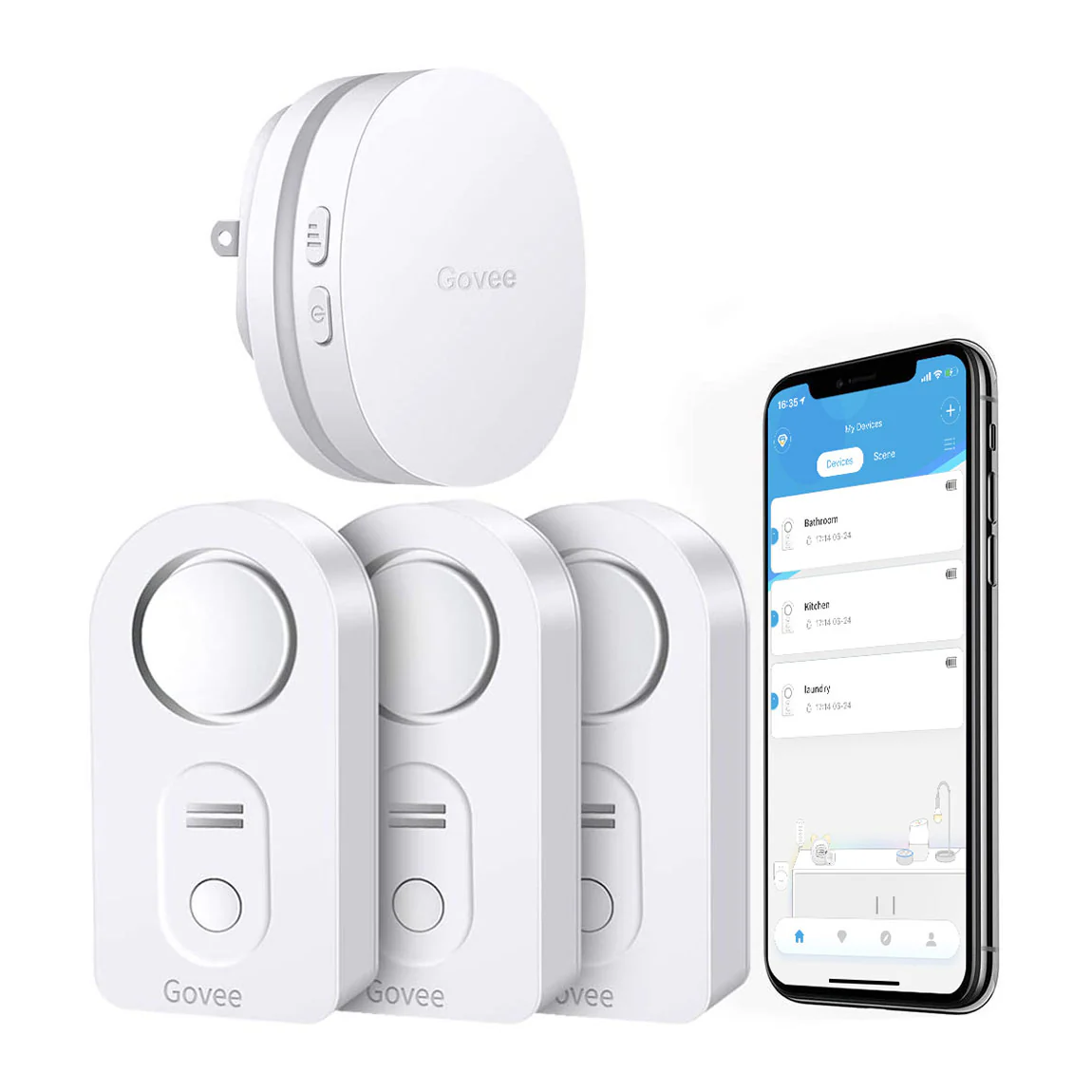
Govee leak sensors are worth considering if you want inexpensive, simple water leak monitoring near sinks, toilets, water heaters, appliances, basements, or vacation-home trouble spots. The classic Govee leak sensors are especially interesting because they can work with Govee’s Wi-Fi gateway and can also be detected by some 433 MHz smart-home setups, giving you more flexibility than an app-only sensor.
| Question | Short Answer |
|---|---|
| Best use | Detecting leaks near plumbing, appliances, basements, and utility areas |
| Main advantage | Cheap enough to place in many spots around the house |
| Remote alerts | Use the Govee Wi-Fi gateway or integrate with a broader smart-home system |
| Integration angle | Classic sensors use 433 MHz, which may be useful for local smart-home setups |
| Main limitation | A sensor only warns you; someone still has to respond to the leak |
Why I Chose Govee Leak Sensors
Using an app does not bother me. Having the app be the only option bothers me more.
For leak monitoring, I wanted inexpensive sensors I could scatter around the house without turning every placement decision into a budgeting exercise. I also wanted something that could be integrated into a broader system later.
That pushed me toward the classic Govee Water Leak Sensors. You can buy them by themselves or with a Wi-Fi gateway. The gateway gives you app-based remote alerts, which is the simplest setup. But the sensors also transmit at 433 MHz, which means they can be picked up by some USB dongles and integrated into other smart-home systems.
That matters because leak alerts are more useful when they are not trapped in one app. If I want to notify more than one person, trigger an automation, flash lights, sound a siren, or eventually connect to a water shutoff system, integration gives me more room to build the response I actually want.
Classic Govee Leak Sensors vs. Leak Sensor 2
Govee now sells different leak-sensor options, including newer Leak Sensor 2 models that use LoRa on the 915 MHz band. LoRa can offer longer range and low-power communication, which may be useful in larger houses or harder-to-reach areas.
For my use, the older 433 MHz version still made sense. I can pick up the signal around the house, the sensors are frequently inexpensive, and the integration path matters more to me than the extra range.
| Sensor Type | Why You Might Choose It | Tradeoff |
|---|---|---|
| Classic Govee leak sensor | Inexpensive, simple, 433 MHz signal, useful for broader integration | May need the gateway or separate receiver for remote alerts |
| Govee Leak Sensor 2 | LoRa range may help in larger homes or difficult placements | Less appealing if 433 MHz integration is the priority |
| App-only Wi-Fi sensor | Simple setup for people who only want phone alerts | More dependent on the vendor’s app and cloud support |
Where I Would Put Water Leak Sensors First
A leak sensor is only useful if it is sitting where water is likely to show up. I would not save these for one perfect location. The point is to cover the boring places where leaks start.
- under bathroom sinks
- under kitchen sinks
- behind or near toilets
- near the water heater
- near washing machines
- near dishwashers
- near refrigerator water lines
- near HVAC condensate drains
- near sump pumps
- in basement trouble spots
If this is for a second home, the stakes are higher because nobody may notice the leak for days. For the broader setup, see my guide to vacation home remote monitoring.
A Leak Alert Still Needs a Response Plan
A sensor does not stop water. It only tells you water is there.
That means the alert should connect to a plan. If you are home, that may be simple. If you are away, you need to know who can get inside: a neighbor, family member, property manager, plumber, or caretaker.
For a more complete setup, a remote water shutoff valve may be worth considering. A leak sensor tells you there is a problem. A shutoff valve can help limit the damage if nobody can get there quickly.
In the end, integration or not, the Govee classic Leak Sensor is frequently on sale, it is reliable, and has alerted to water leaks behind toilets and sinks on numerous occasions. Place one anywhere there is running water. Use the wifi option to be alerted when you are far away. Consider as well a remote water shut off device that will allow you to shut off your water remotely; perhaps we will discuss one in a future post.
Are Govee Leak Sensors Still My Pick?
For my use, yes. The classic Govee leak sensors are inexpensive, reliable enough to place generously, and flexible enough that I am not limited to one app notification path.
The newer LoRa-based versions may make sense if range is the main problem. But for ordinary leak monitoring around sinks, toilets, water heaters, basements, and utility areas, I still like the older 433 MHz approach.
The important thing is not the brand name. It is having sensors where leaks actually start, remote alerts that reach the right people, and a response plan for what happens when the alert goes off.
