Gadget Wisdom

Tag: self-hosted

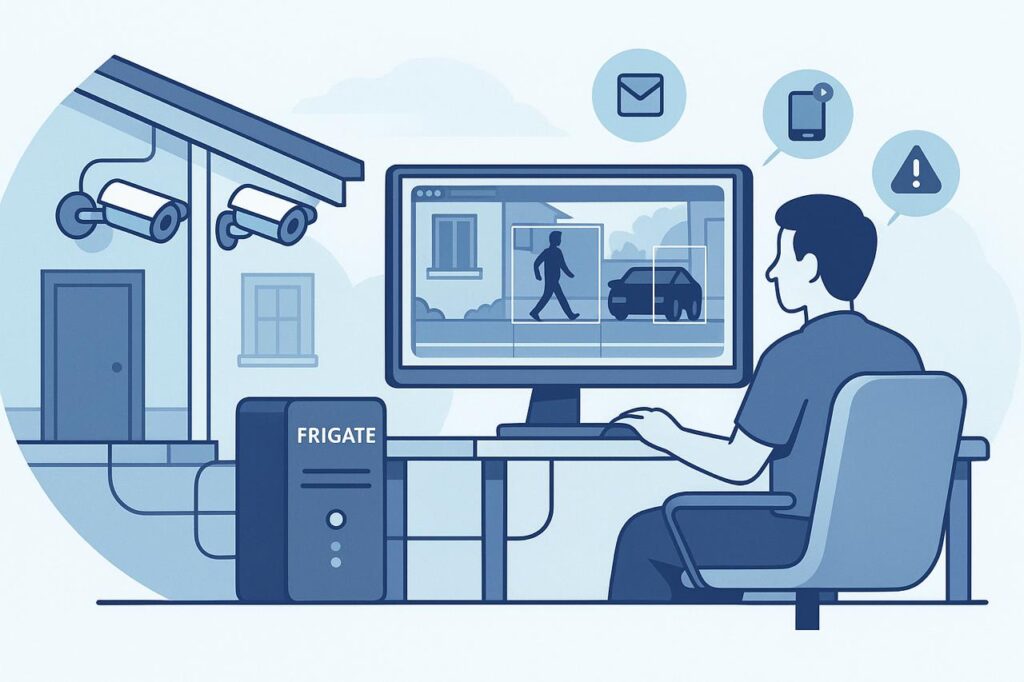
Illustration of a person monitoring POE security cameras using Frigate NVR software on a computer, with outdoor cameras mounted on a house and detection alerts shown on screen.
0 Responses

POE Cameras and Frigate NVR: Why I Switched to Local Home Surveillance

During my recent renovation, I added two additional cameras to my new space, at the two points of ingress. This was something of a departure as these were also the first Power Over Ethernet(POE) cameras I’ve had installed, as I had someone on-site available who could run the cables cleanly.

I’ve tried a variety of ecosystems for cameras, both for myself and others. Many of them push you toward subscription-based cloud services, which features like video history, motion detection, and notifications only work fully if you pay monthly. Some of them barely provide any features without paying, despite the fact you bought the device.  Even when offering local options, this is often storage with a microSD card in the camera, which is clunky, slow, and unreliable.

That is why I decided to go with a network video recorder. A server that takes the feeds from all the cameras and stores the recordings. You can buy commercial NVRs you can purchase and install in your house, including some that integrate with the specific hardware cameras you bought, but I wanted a solution that aligned with my philosophy of self-hosted, privacy first smart home tech.

So I chose Frigate.

Quick Answer: Why Use POE Cameras With Frigate?

POE cameras and Frigate make sense if you want a local home-surveillance system that does not depend on a cloud subscription. Power Over Ethernet cameras are more reliable than Wi-Fi cameras, and Frigate can record video, detect people, cars, animals, and other objects, and let you tune alerts around the parts of your property you actually care about.

Choice Why It Matters
POE cameras More reliable than Wi-Fi cameras and powered through the network cable
Frigate NVR Local recording and object detection without relying on a cloud camera plan
Detection zones Reduce false alerts from sidewalks, streets, neighbors, or passing cars
Self-hosted storage Keeps recordings under your control instead of inside a camera company’s subscription
Frigate+ Optional model improvements without turning the whole system into a traditional cloud lock-in product

Why Frigate?

Frigate is an open-source NVR designed for real-time object detection all running on local hardware. It is deeply customizable and can be tuned to only record what matters to you – people, cars, or animals, depending on what zones and filters you decide.

For example, one of my outdoor cameras flagged every pedestrian across the street, which is well outside of the zone I am concerned about. I can narrow the zone to only my property, to dramatically reduce noise in footage and alerts.

Frigate recently added:

  • facial recognition
  • license plate recognition.
  • View-only user roles for shared access

Everything is processed locally, with no cloud dependency.

Frigate+: Smarter Detection, Optional Subscription

To improve detection, you can also subscribe to Frigate+, a $50/year subscription which offers better trained models for detection. These are trained by other users of Frigate. You can participate by submitting false positives and other information voluntarily. If you cancel, you get to keep the downloaded models, you just stop getting updates.

This helps support the developers and doesn’t lock you into a traditional subscription model.

Frigate Notifications

One gap in the core Frigate setup is the lack of built-in robust multi-platform notifications. That’s where another piece of software, Frigate-Notify, comes in. It offers all of the notification options I might want.

  • Rich notifications
  • Cross-platform delivery including mobile, desktop, and messaging apps
  • Fully customizable

Next Steps For My Frigate NVR

Inspired by how well the new system is performing, I plan to replace more of my older Wi-Fi cameras with wired POE models for improved reliability. Wired cameras streaming directly to my NVR reduces lag, improves reliability, and gives me full control over recording, storage, and alerts—without the cloud.

If you’re tired of cloud lock-in and unreliable Wi-Fi cams, and you want a privacy-respecting, smarter surveillance system, Frigate + POE may be the combo you’ve been looking for.
 

Published on September 8, 2025
Full Post
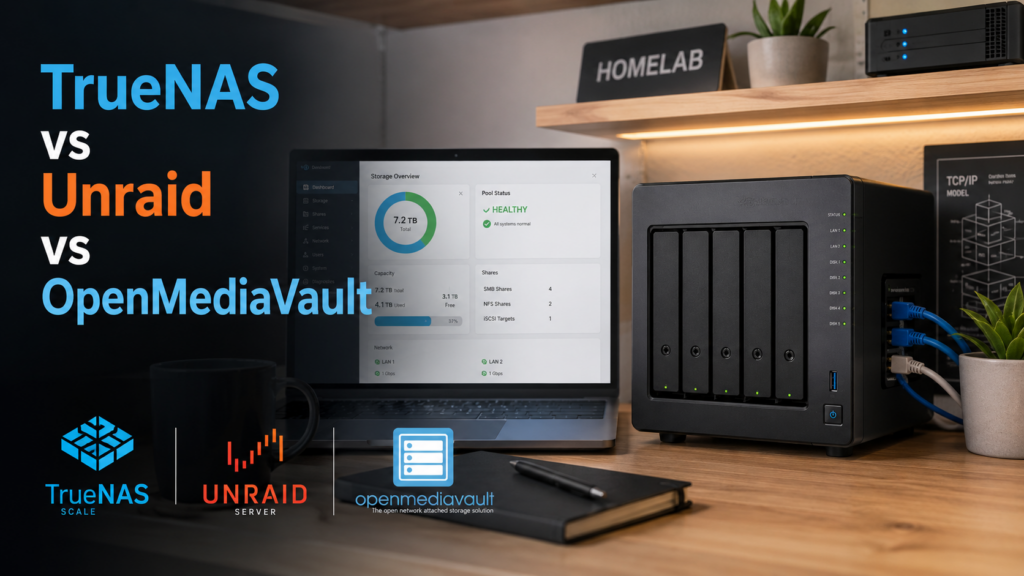
Home NAS server with drive bays and network cables, illustrating TrueNAS vs Unraid vs OpenMediaVault NAS software
1 Response

TrueNAS vs Unraid vs OpenMediaVault: Choosing NAS Software

I have gone through a lot of evolution of computer technology over the years, not only the technology, but my thinking. I remember my first server, which doubled as a NAS. It was a yellow full tower server system and had wheels . Why yellow? It was really inexpensive. But it was also really overbuilt for what I needed. I never filled all the bays and I never used it to its full capacity. And technology changed. I started building smaller, rather than overbuilding. I’ve gone from desktop, to laptop, to small PC, to mini PC, which is an evolution conversation in itself.

When my home built NAS died in the middle of the night some years ago, I ran to the store and bought a commercial NAS, because I was at the point in my life where I didn’t want to deal with another home build. So I went with a NAS and then a dedicated home server next to the NAS. And that was partly because the commercial NAS software was limiting and the manufacturer has stopped updating my model, but also because the hardware in NASes is always behind what you can get if you build it yourself. So, by investing in a NAS case, a motherboard, and using open-source, I can in future swap out the motherboard, upgrade the RAM, etc and continue…provided I keep to the same software platform.The lifespan is much longer.

I could run all my applications on the NAS, especially with the new hardware, but I want something that acts like an appliance…something that only is storage and storage related functions. I don’t want to clutter it with other things, even though it means another system to run server functions. Last time, I installed Linux and configured it. But there is software to make a computer a dedicated appliance, so it eliminated all the work I had to do to get everything working.

Quick Answer: Which NAS Software Should You Choose?

For a homebuilt NAS, the best software depends on what you want the box to do. I chose TrueNAS because I wanted a storage-first appliance with ZFS and a strong focus on data integrity. Unraid is often better if you want flexibility with mixed drive sizes and an easier app/server experience. OpenMediaVault is a good free option if you want something lighter and more traditional without paying for Unraid.

NAS Software Best For Main Tradeoff
TrueNAS Storage-first NAS, ZFS, data integrity, snapshots Less flexible with mismatched drives and can feel more appliance-like
Unraid Mixed drive sizes, easy expansion, apps, home-server flexibility Commercial license and a different storage model than traditional RAID/ZFS
OpenMediaVault Free, lightweight NAS setup on standard Linux May require more tinkering depending on plugins and use case

There are three popular options for NAS software…TrueNAS, Unraid, and OpenMediaVault.

TrueNAS has a commercial and a community version. It comes in the classic Core version, based on FreeBSD and the newer Linux based Scale. I get the impression impression Scale is the future for the project. Scale allows for containers and virtual machines if you want to run your applications on top of it. For the drives, it offers ZFS and the ability to deploy object storage similar to Amazon’s S3. ZFS is an incredibly robust filesystem.

Unraid, by comparison, is also commercially supported, with a license cost of $49 to $249, which includes the software. The most expensive membership at $249 is lifetime, which means updates for life, and the others offer updates for a year with a fee to upgrade after that. Even with no updates, some security patches are still offered for the older versions. The advantage of Unraid is it can manage drives that vary in size, speed, brand, and filesystem…so no RAID technology. Instead, it uses a dedicated parity drive, and offers a cache drive for speed.

Openmediavault is somewhere closer to Unraid in its simplicity, but has no commercial cost. It seems to be in the middle of the option here and can veer toward the Unraid feature set or the TrueNAS ones.

I ended up with TrueNAS, because I wanted the features it offered for data storage.

That choice also fits how I separate my setup: the NAS should mostly be storage, while other services can live on separate server hardware. For the networking side of that build, see my guide to 2.5G vs 10G Ethernet for a home network.

I’ll be talking more about that, but setting it up took more time to restore my data than it did to set it up. It is now handling 100% of the file serving the previous server did. I still have backup and other redundancy functions to configure, but I’m 100% back online.

Published on May 31, 2024
Full Post

Get New Posts By Email