
It’s your power.
Most home networks rely on several small devices that all require electricity: a modem, a router, sometimes Wi-Fi access points, switches, or security cameras. When power fails, every one of those devices shuts off instantly.
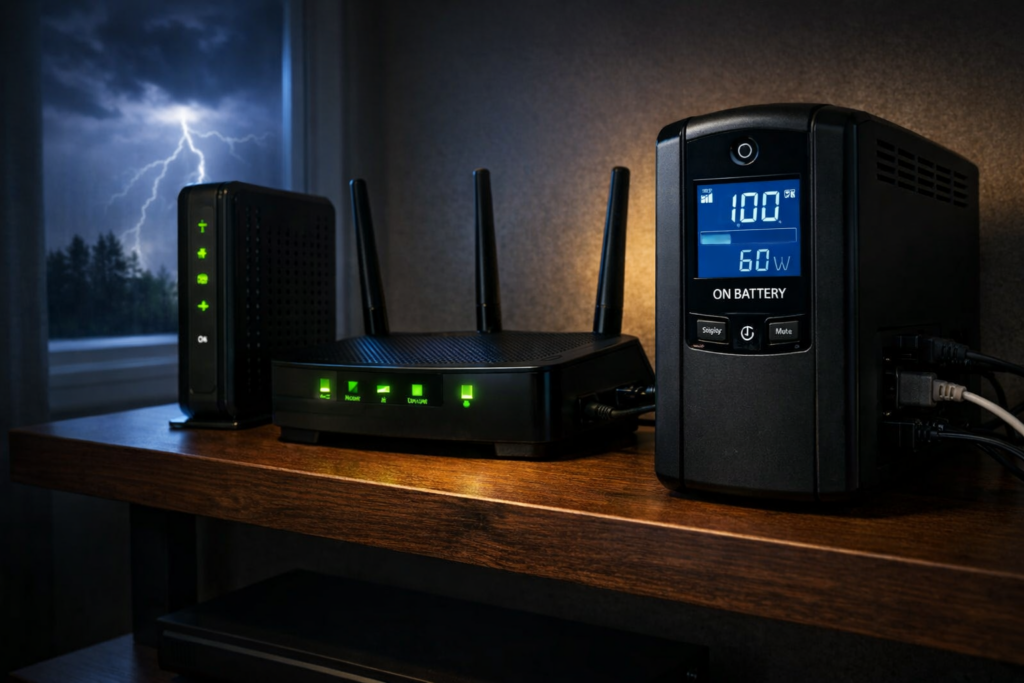
A UPS (Uninterruptible Power Supply) solves this problem by providing instant battery backup. When electricity fails, the UPS switches to battery power automatically and keeps your networking equipment running.
Because routers and modems draw very little power, even a modest UPS can often keep your internet working for an hour or more.
Best UPS Battery Backup for Routers and Modems
If your goal is keeping your internet connection alive during a power outage, these UPS models provide reliable backup power and strong electrical protection.
| UPS Model | Best For | Capacity | Check Price |
|---|---|---|---|
| CyberPower CP1000PFCLCD | Best overall UPS | 1000VA / 600W | Check price |
| APC BR1500MS2 | Larger home networks | 1500VA / 900W | Check price |
| CyberPower EC650LCD | Best budget UPS | 650VA / 390W | Check price |
| APC BE600M1 | Small setups | 600VA / 330W | Check price |
| Eaton 5S700LCD | Premium reliability | 700VA / 420W | Check price |
Note: Some models above are currently discounted during Amazon’s Big Spring Sale, including the APC BR1500MS2 and APC BE600M1.
Why Routers and Modems Benefit From a UPS
Networking equipment consumes surprisingly little electricity.
Typical power usage looks like this:
- Modem: 10–20 watts
- Router: 10–25 watts
- Wi-Fi access point: 10–20 watts
- Small network switch: 5–20 watts
Because the power draw is low, UPS batteries can keep networking equipment running far longer than desktop computers or gaming systems.
A UPS also protects networking hardware from:
- power outages
- voltage drops
- power surges
- short power interruptions
If you work from home, rely on internet-connected security cameras, or have smart home devices that stop working when the network goes down, a UPS can make a bigger difference than you might expect.
Best Overall UPS for Routers and Modems: CyberPower CP1000PFCLCD
The CyberPower CP1000PFCLCD is one of the most popular UPS units for home networking setups, and for good reason. It hits a sweet spot between price, capacity, and features.
- 1000VA / 600W capacity
- pure sine wave output
- Automatic Voltage Regulation (AVR)
- LCD status display
This is more UPS than most people strictly need for a modem and router, but that is part of the appeal. The extra capacity can translate into longer runtime, and it leaves room to protect a switch, access point, or small NAS as well.
Best UPS for Larger Home Networks: APC BR1500MS2
If your network includes multiple access points, switches, or other equipment, the APC BR1500MS2 provides additional runtime and capacity.
- 1500VA / 900W capacity
- 10 outlets
- excellent voltage regulation
- USB charging ports
This UPS works well for larger home networks, network closets, or equipment racks where you want more runtime and more room to plug in devices. It is probably overkill for a basic modem-and-router setup, but for more involved home networks it makes sense.
Best Budget UPS for Routers and Modems: CyberPower EC650LCD
If you only need backup power for a modem and router, the CyberPower EC650LCD offers solid protection at an affordable price.
- 650VA / 390W capacity
- compact design
- LCD battery display
- energy-saving outlets
This is the kind of UPS that makes a lot of sense for someone who is tired of brief outages knocking out the internet and does not want to spend a fortune fixing the problem.
Best Compact UPS for Small Setups: APC BE600M1
The APC BE600M1 is a small UPS designed for simple networking setups.
- 600VA / 330W capacity
- compact footprint
- USB charging port
- reliable APC design
If you only want to keep a modem and router running, this compact UPS can do the job without taking up much space. It is especially appealing if your equipment lives on a shelf, in a corner, or anywhere a larger UPS would be awkward.
Best Premium UPS for Networking Equipment: Eaton 5S700LCD
The Eaton 5S700LCD is known for excellent build quality and strong electrical protection.
- 700VA / 420W capacity
- excellent surge protection
- LCD display
- durable internal components
If you want something a bit more robust than the usual consumer UPS options, Eaton is a respected name. This model is a good fit for buyers who care about electrical protection quality as much as runtime.
How Long a UPS Can Keep Your Internet Running
UPS runtime depends on how much electricity your devices use.
Because routers and modems consume very little power, runtime can be surprisingly long:
- small UPS: 30–60 minutes
- mid-size UPS: 1–2 hours
- larger UPS: several hours depending on load
If your ISP’s neighborhood equipment stays online during an outage, that can mean your internet keeps working long after the lights go out. Of course, if the provider’s own local infrastructure loses power, your UPS cannot fix that. But for many brief outages and localized electrical issues inside your home, it absolutely helps.
How Much UPS Capacity Do You Actually Need for a Router and Modem?
This is one of the biggest mistakes people make when shopping for a UPS. They assume they need a huge battery backup because that is what they would need for a gaming PC or home server.
For a modem and router, that usually is not true.
If your combined load is only 20 to 40 watts, even a modest UPS can provide meaningful runtime. The bigger units are useful if:
- you want much longer runtime
- you also want to power access points, switches, or cameras
- you want extra overhead and flexibility
For a simple setup, the budget and compact models are often enough. For more complicated home networks, the larger units become easier to justify.
UPS Features That Matter for Networking Equipment
When choosing a UPS for routers and modems, these features matter most:
- Automatic Voltage Regulation (AVR) to stabilize power fluctuations
- pure sine wave output for sensitive electronics
- surge protection for networking hardware
- sufficient outlets for your modem, router, and other equipment
You do not necessarily need the most expensive UPS on the market, but you do want one that handles brownouts and voltage fluctuations gracefully. Those are often more common than full outages.
If you want to understand these features in more detail, see this guide to choosing a UPS with the right features.
When a UPS Makes the Biggest Difference for Home Internet
A UPS battery backup is especially useful if:
- power flickers frequently
- you work from home
- your security cameras rely on internet connectivity
- your smart home devices depend on cloud services
- your modem takes several minutes to come back online after a power outage
Even brief outages can lead to several minutes of downtime while a modem and router reboot. A UPS prevents that interruption entirely and can make your home internet feel much more reliable.
Which UPS Is Best for Your Router and Modem?
If you want the best balance of price, features, and runtime, the CyberPower CP1000PFCLCD is the strongest overall choice for most people.
If you have a larger home network or want more runtime, the APC BR1500MS2 is a strong upgrade.
If you want a lower-cost solution, the CyberPower EC650LCD and APC BE600M1 are both sensible picks for simple setups.
And if you want a more premium UPS with a strong reputation for power protection, the Eaton 5S700LCD is worth a look.
For something as simple as keeping your router and modem online during a power outage, a UPS is one of the most practical upgrades you can make. Once you have one, it is hard to go back to watching your internet disappear every time the power blinks.