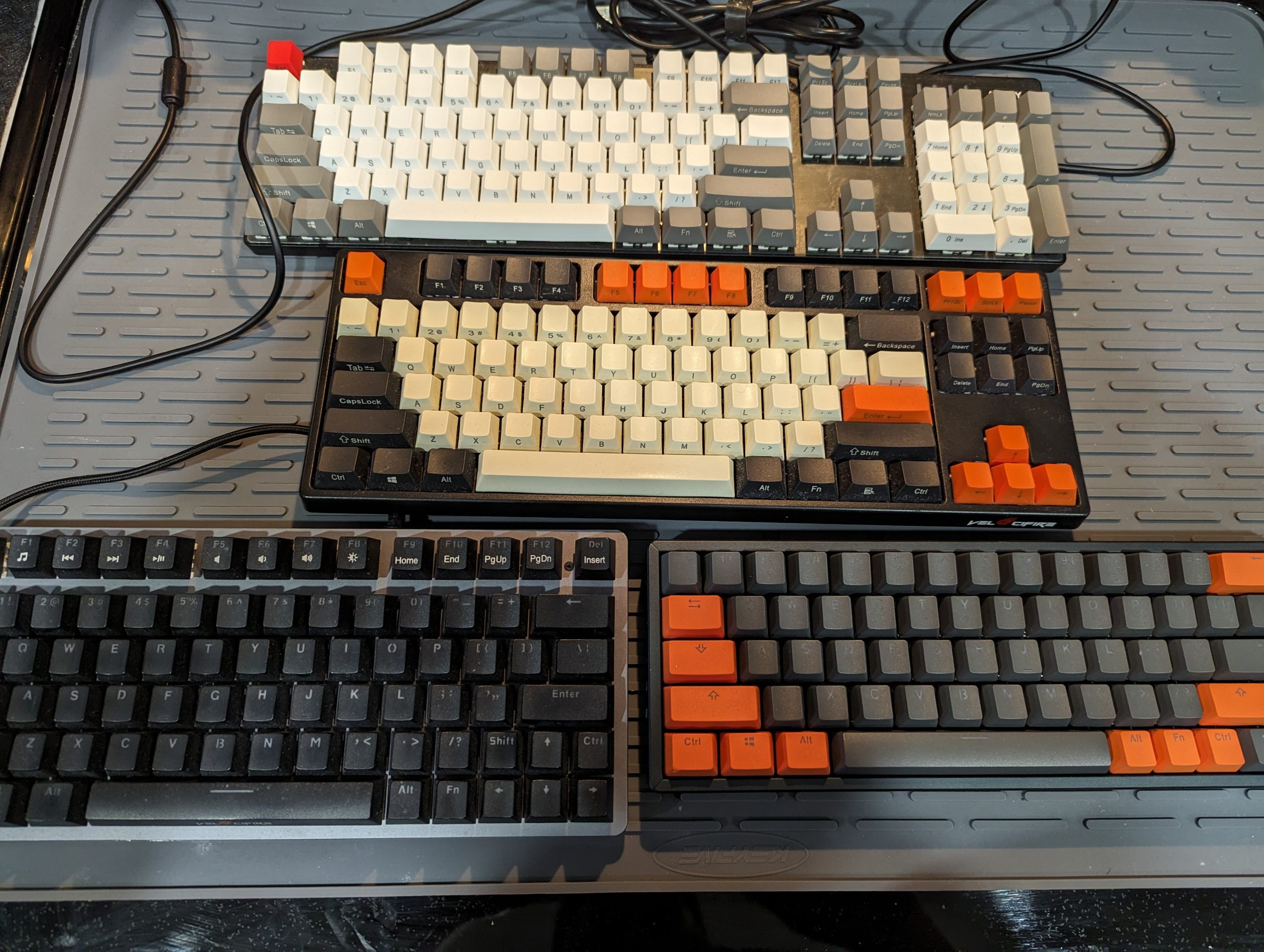
The best travel keyboard in 2026 depends on whether you need something foldable, mechanical, ultra-light, or wireless. Here are the best portable keyboards for working on the go.
Disclosure: As an Amazon Associate I earn from qualifying purchases. Product links may earn a commission at no extra cost to you.
Quick answer: For most people, the best travel keyboard is the thinnest keyboard they can comfortably type on for more than a few minutes. I would start with the Keychron B1 Pro if you want something cheap, thin, and quiet. If you want a low-profile mechanical keyboard, look at the Keychron K3 QMK. If you want the more premium low-profile feel, compare the NuPhy Air75 V2.
Quick Picks: Best Travel Keyboards in 2026
| Use case | Best pick | Why I’d choose it | Check price |
|---|---|---|---|
| Best cheap thin travel keyboard | Keychron B1 Pro | Thin, quiet, inexpensive, and closer to a laptop-style typing feel than a compact mechanical board. | Check price |
| Best low-profile mechanical travel keyboard | Keychron K3 QMK | A practical travel-friendly mechanical keyboard if you want real switches without carrying a chunky board. | Check price |
| Best premium low-profile option | NuPhy Air75 V2 | A nicer-feeling low-profile mechanical keyboard for people who want a better typing experience and can spare the space. | Check price |
| Best smaller NuPhy option | NuPhy Air60 V2 | Smaller than the Air75, with the same general low-profile travel-keyboard appeal. | Check price |
| Best split travel keyboard | Epomaker Split65 | A budget way to try a split layout that can pack more flexibly than a one-piece keyboard. | Check price |
| Best tiny mechanical keyboard | Keychron Q9 | Very small and very portable, but only a good fit if you already like compact layouts or are willing to learn one. | Check price |
There are a few approaches to travel keyboards. In previous years, I looked at folding keyboards as one possible solution, but a lot of them do not feel good enough for real typing. Choosing a travel keyboard usually comes down to the compromise you can live with: thinner, smaller, quieter, more mechanical, or more ergonomic.
Most of the mechanical options below use open source firmware or offer strong layout customization, and several have hotswap switch options. But if you care more about thinness than switch feel, a scissor-switch board may be the better travel keyboard than a tiny mechanical board.
Best Cheap Thin Travel Keyboard: Keychron B1 Pro
The Keychron B1 Pro is the travel keyboard I would look at first if thinness, price, and quiet typing matter more than a mechanical feel. It is closer to the kind of keyboard you might expect from a laptop or slim desktop setup, which can be a strength when you are trying to keep a travel bag light.
Buy this if: you want a thin, inexpensive Bluetooth keyboard that is easy to pack and does not need to feel like a full mechanical board.
Skip it if: you specifically want mechanical switches, hotswap options, or a heavier enthusiast typing feel.
Check the latest price on Amazon
Best Low-Profile Mechanical Travel Keyboard: Keychron K3 QMK
The Keychron K3 QMK is the more natural choice if you want a real mechanical keyboard but do not want to travel with a tall, heavy board. The low-profile layout makes more sense in a travel bag than a standard-height mechanical keyboard, while QMK support gives you more room to customize the layout.
Buy this if: you want a travel-friendly mechanical keyboard with a more serious typing feel than a scissor-switch board.
Skip it if: you mostly care about thinness, quiet typing, or the lowest possible travel weight.
Check the latest price on Amazon
Best Premium Low-Profile Travel Keyboard: NuPhy Air75 V2
The NuPhy Air75 V2 is the premium low-profile option I would compare against the Keychron boards. It is a better fit if you care about typing feel and are willing to give up a little more bag space for a nicer keyboard.
Buy this if: you want a nicer low-profile mechanical keyboard and do not need the smallest possible travel setup.
Skip it if: you want the cheapest thin keyboard or you need something smaller than a 75% layout.
Check the latest price on Amazon
Best Smaller NuPhy Option: NuPhy Air60 V2
The NuPhy Air60 V2 is the more compact NuPhy option. It keeps the low-profile mechanical feel but takes up less space than the Air75, which can matter if you are trying to build a smaller travel kit.
Buy this if: you like the NuPhy low-profile idea but want a smaller board than the Air75.
Skip it if: you rely heavily on dedicated keys and would be annoyed by the compromises of a smaller layout.
Check the latest price on Amazon
Best Split Travel Keyboard: Epomaker Split65
The Epomaker Split65 is the interesting travel option if you want to try a split layout without building a custom board. A split keyboard can pack differently than a one-piece keyboard, and it can be easier to position in a cramped hotel-room or travel-desk setup.
Buy this if: you want a split layout that is still realistic to travel with.
Skip it if: you want the simplest possible keyboard or you do not want to adjust to a split layout while traveling.
Check the latest price on Amazon
Best Tiny Mechanical Keyboard: Keychron Q9
The Keychron Q9 is the tiny mechanical option for people who are already comfortable with compact layouts. It is small enough to be genuinely portable, but the layout is part of the deal. This is not the board I would recommend to someone who wants a normal typing experience with no adjustment period.
Buy this if: you already like compact mechanical keyboards and want something very small for travel.
Skip it if: you need a conventional layout or do not want to relearn key positions on the road.
Check the latest price on Amazon
Which Travel Keyboard Should You Choose?
If I were buying a travel keyboard today, I would start by deciding whether I care more about thinness or typing feel.
- Most people who want thin and simple: Keychron B1 Pro
- Best low-profile mechanical choice: Keychron K3 QMK
- Best nicer-feeling low-profile option: NuPhy Air75 V2
- Best smaller NuPhy option: NuPhy Air60 V2
- Best split option: Epomaker Split65
- Best tiny mechanical keyboard: Keychron Q9
The simplest answer is probably the Keychron B1 Pro. It is thin, quiet, and easy to pack. The more enthusiast answer is the Keychron K3 QMK or NuPhy Air75 V2, depending on how much space you are willing to give a keyboard in your bag.
Related Travel Tech
A keyboard is only one part of a portable work setup. If you also work from hotels, see my guide to the best travel router for hotel Wi-Fi.
How to Think About Travel Keyboard Size
The right travel keyboard is usually the smallest or thinnest keyboard you can pack and still enjoy using. A keyboard that is technically portable but unpleasant to type on will stay in your bag.
A thin scissor-switch keyboard like the Keychron B1 Pro makes sense if you want something light, quiet, and easy to carry. A low-profile mechanical keyboard like the Keychron K3 QMK, NuPhy Air60 V2, or NuPhy Air75 V2 makes sense if typing feel matters more than saving every ounce.
Split keyboards are more specialized. They can pack well because they separate into two pieces, but they also require more adjustment. Very small mechanical keyboards, including 40% layouts, are even more personal. They can be wonderfully portable, but they are best for people who already like compact layouts or are willing to learn one.
I still like tiny keyboards, and I sell supplies for them at MechDreams, but I would not tell most travelers to start there. For most people, the safer first choice is a thin keyboard or a low-profile mechanical board.