
Traditional media has been slow to get into the online game. That is not to say they don’t have an online presence, but with some considering putting their content behind paywalls and such, it is clear things cannot continue as they are.
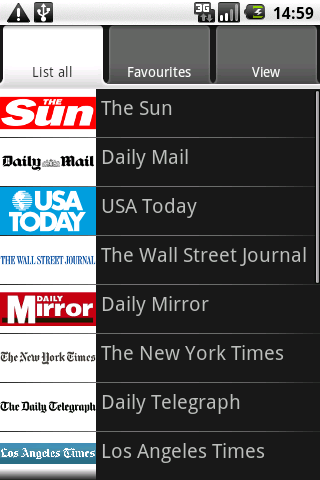
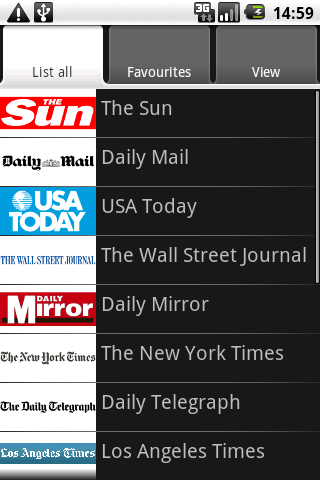 The New York Times released its Android app, apparently very similar to its iPhone app. We had been using Newspapers(pictured right). It is a simple web application. Essentially, it allows you to scroll the various news sources in a menu format and pull the mobile sites up…so it is more like a directory. But directories still have their place.
Our current favorite app for reading news on the Android is Newsrob, available in pro and free versions. It is an RSS reader that syncs to Google Reader. It also caches articles locally. Recently, during a plane trip, in airplane mode, we could read all full content RSS feeds that had been cached to the phone. It encouraged us to buy the pro version. Developers need to be rewarded, or they won’t continue to develop.
It may not be encouraging for newspapers and other sources that a mobile phone app can make purchasing the paper obsolete. Hopefully, papers will find ways to monetize this sort of reading in such a way that allows them to stay in business, but does not make readers jump ship to free sources of information. Putting the content behind a pay wall has not worked so far.
But at the least, we are as well informed as we want to be. What do you use to get your information fix? Do you put news widgets on your home screens? Share with us.
