Gadget Wisdom

0 Responses

SouthEast Linux Fest is Over

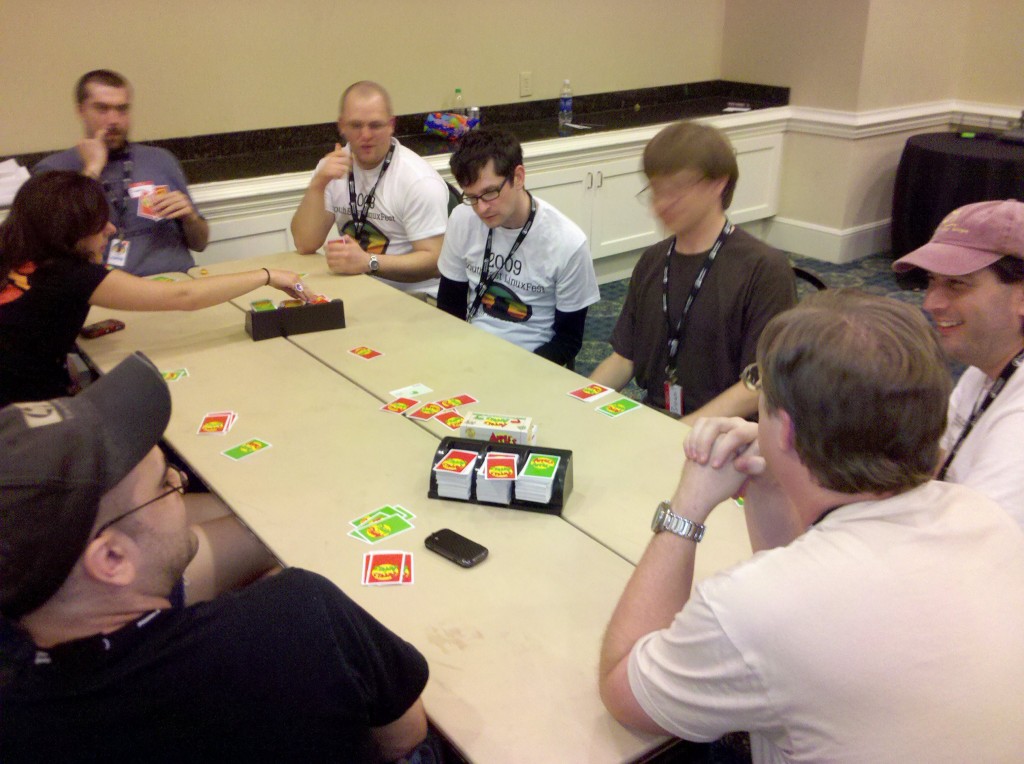
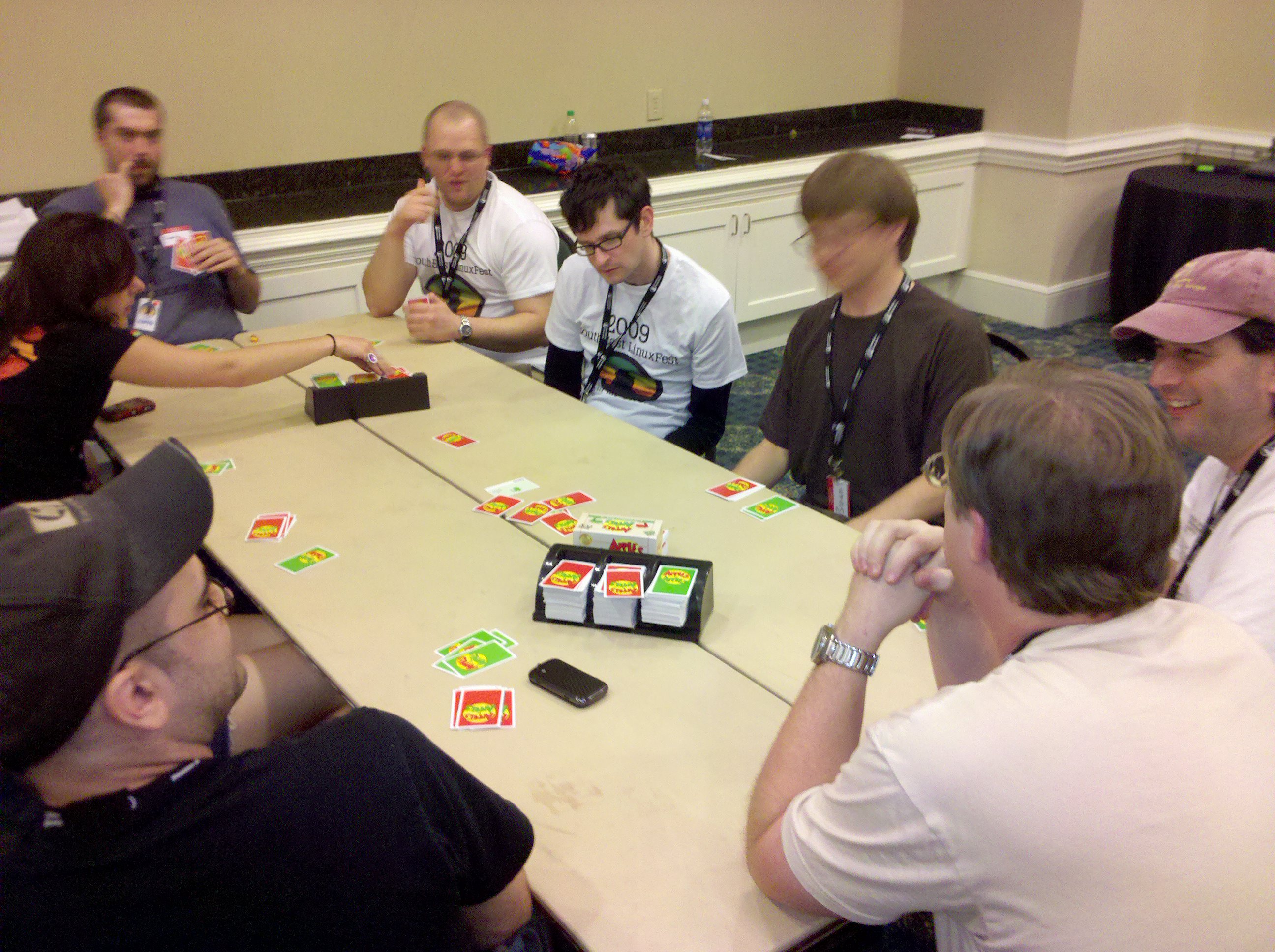
This weekend, our Editor was down at the SouthEast Linux Fest in South Carolina. Three fun filled days of interacting, speakers, vendors, free stuff, and oddly enough, playing board games. The panels put a lot of interesting thoughts on the table, and over the coming weeks, we plan to discuss a few of them.

These sort of discussions always light a fire under us. Already, we’ve started hardening our servers in various ways, started looking at a new way to explain MythTV to the guys over at HTPCentric, got scared about IPV6, etc.

SELF’s speakers were all filmed, and the video will be available eventually. We’ll post links when available.

Published on June 15, 2010
Full Post
1 Response

Planning for and Optimizing Solid State Drives

This past week, we installed our first Solid State Drive. We had a lot of concern about this technology early on. There were reports of gradual performance degradation.This has been improved, however, and we’ll discuss some ways to better optimize your experience. Hopefully, in future Linux releases some of these options will be configured automatically

The biggest development that has been made to preserve longevity on these drives is TRIM. The TRIM command allows the operating system to inform the drive which data blocks are no longer in use and can be wiped. TRIM is supported beginning in kernel 2.6.33 and can be enabled under Linux by editing the mount options to include the discard option, such as in the below example.

/dev/sda1 / ext4 discard,defaults

Other suggestions include removing journaling and limiting read and writes to the drive. This will extend life as well, but without journaling, there is some risk of data loss in the event of a crash. However, Theodore Tso debunked this thought last year in a blog post, in which he concluded that the overhead is minimal.

  • Another Linux-based tuning technique is to disable Linux from writing the last accessed time to files. This can be done by adding noatime to the above command. Realistically, on many computers the last accessed time is not extremely important. Do not confuse accessed time with the last modified time.
  • Add the option elevator=deadline to your grub boot configuration to use the deadline disk scheduler. If you have a slower CPU go for the noop scheduler. The default schedulers are optimized for traditional hard drives.
  • Move your Firefox Cache to RAM – Open Firefox and enter about:config in the location bar.  Right-click and choose the option New->String.  Enter “browser.cache.disk.parent_directory” for the preference name, and for the string value enter “/dev/shm/”. That will also reduce writes and improve performance.
  • Reduce kernel swappiness(the tendency for the OS to swap from physical memory to a hard drive based swap file). Add vm.swappiness  = ? to /etc/sysctl.conf. Default is 60, out of 0-100. Some suggest lowering it all the way to 0. Experiment with what works for you. This suggestion is not limited to systems with SSDs.

Bear in mind for the Firefox and Swappiness suggestions, you should have enough RAM to support reducing the swap and moving the cache to memory.

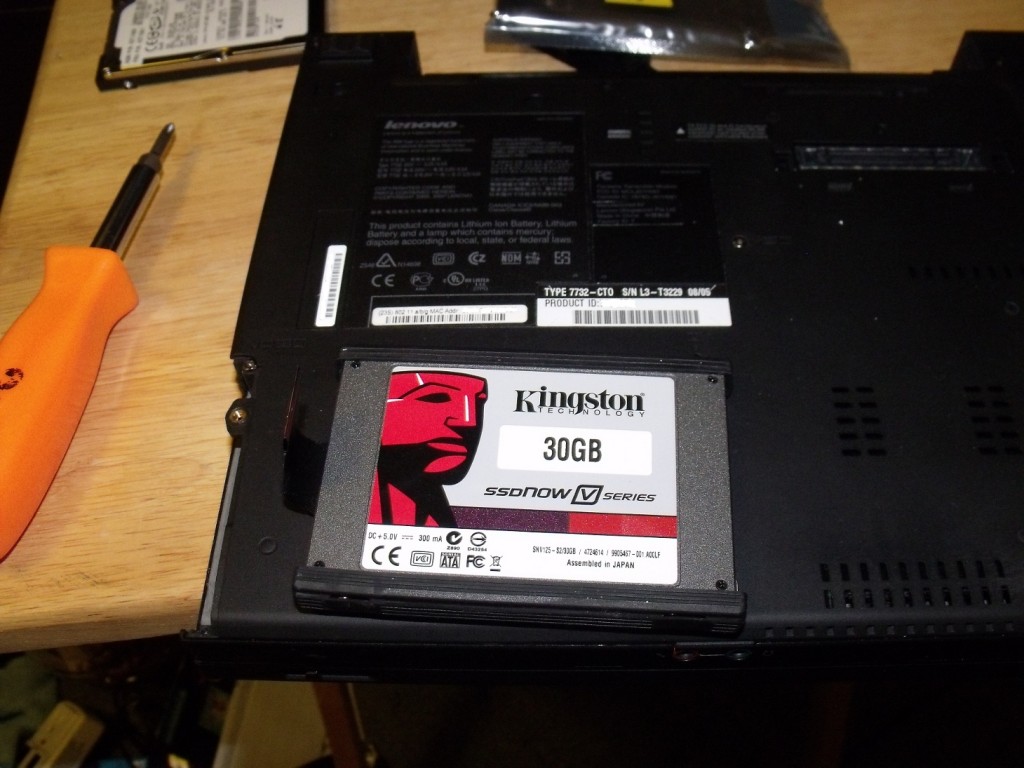
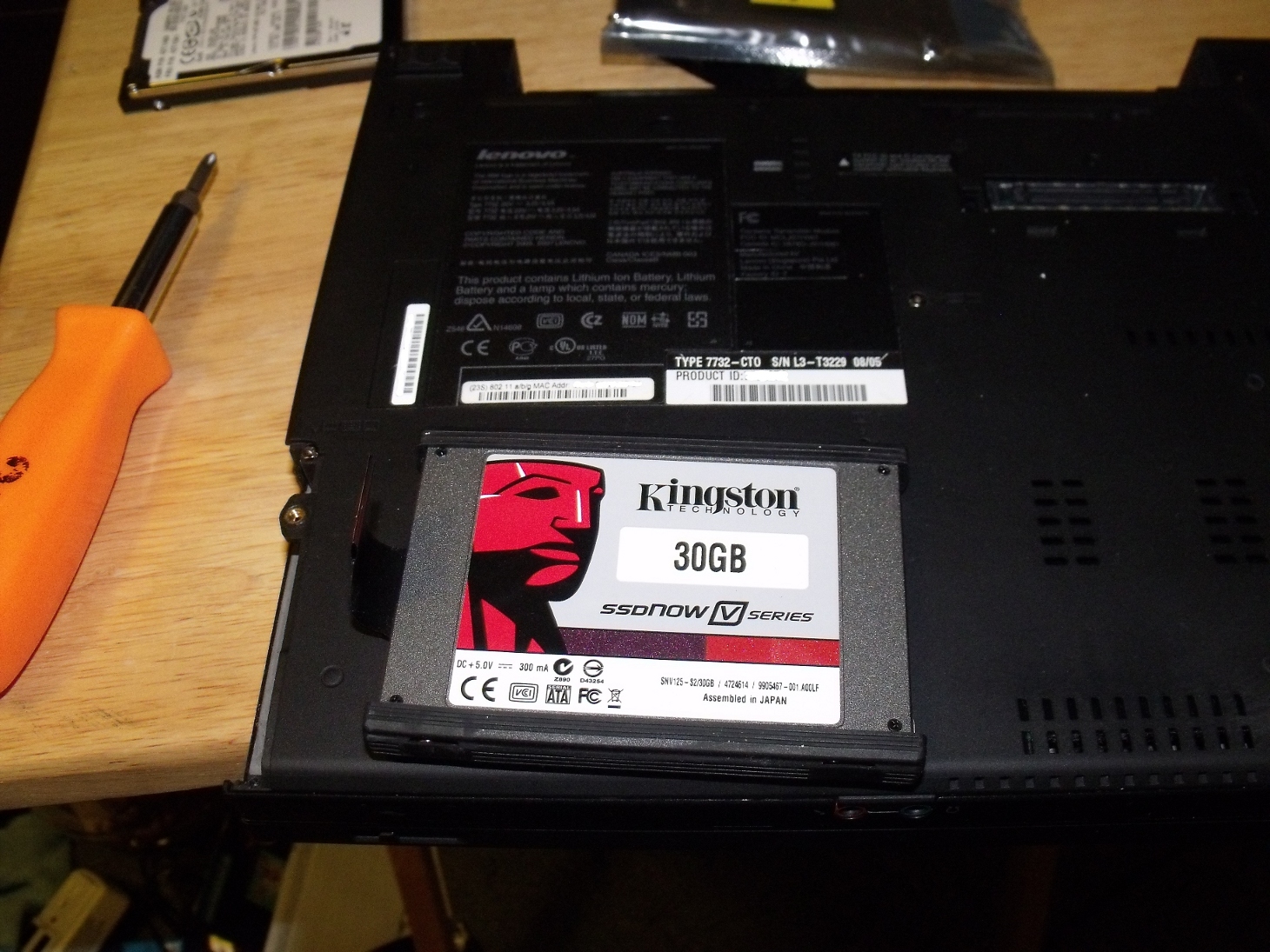
Now that we’ve covered optimizing the solid state drive, let’s discuss usage. We used the Kingston 30GB SSD, reviewed here in comparison to the Intel value SSD, which we also considered. The SSD, because of price and size considerations, is not ideal for all functions. You can see a picture of it just before install in the laptop we used to write this blog entry above.

SSDs are small in size, but speedy. Their best use is as an operating system drive. In our first test case, which is a laptop, they are the only drive. However, the laptop is mostly OS only. All media and other files are stored on a file server. With this drive, the laptop flies along and is extremely quiet as an SSD makes no noise. We have not done any battery life tests, but there is some evidence from those who have that some SSDs may be less energy efficient than conventional hard drives.

In conclusion, with the price of SSDs continuing to drop, it is a good time to start considering it as a boot/OS drive for your systems. Now that we’ve grown comfortable with its usage, we plan on expanding it to future renovations, including in our file server.

Update(06/03/10): The day after we wrote this, AnandTech released a review of three SSDs, including our Kingston 30GB as well as the Onyx and Intel budget SSDs. Certainly makes us feel better about our purchase.

Published on June 2, 2010
Full Post
0 Responses

Review: MJSI Hydroright Dual Flush Converter

After writing about a dual flush retrofit kit, we became enthused about the idea of installing one of these ourselves. We don’t have a plumber on staff, so our intrepid editor was forced to play with his own toilet. Please excuse if our terminology falls short as we try to explain basic toilet technology.

Our toilet is a 1.6 Gallon model installed around 2000. A traditional toilet uses a simple system. The ballcock floats on top of the water. when the tank is emptied, the ballcock lowers, thus activating the fill valve until the ballcock is lifted up to the off position by the water. The fill valve on this toilet was replaced with a newer, more reliable design, the concentric-float fill valve, and thus there is no ballcock. The concentric design is required for this retrofit kit.

The model is the MJSI HYR270 HydroRight Drop-In Dual Flush Converter, purchased at a local Home Depot. The nice thing about this design is that it does not require removal of the toilet tank to install. If you have to go as far as to remove the toilet tank, you might as well buy a new toilet with integrated dual flush, which we recommend if you have a really old toilet.

If you need to replace your fill valve with a concentric float one, which as mentioned is required, MJSI makes an adjustable one that can also help you save water, and sometimes it is better to get components from the same manufacturer, as you can be reasonably certain they work together.

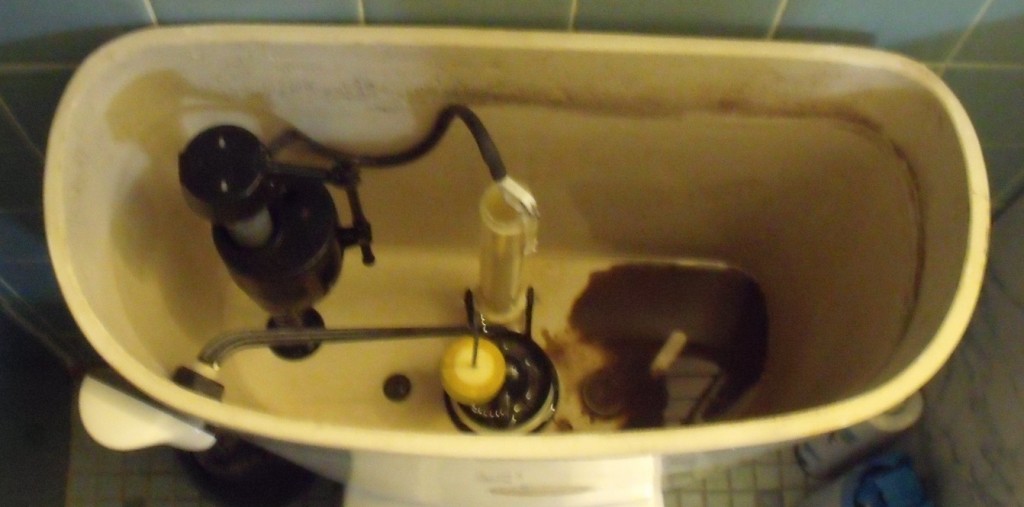
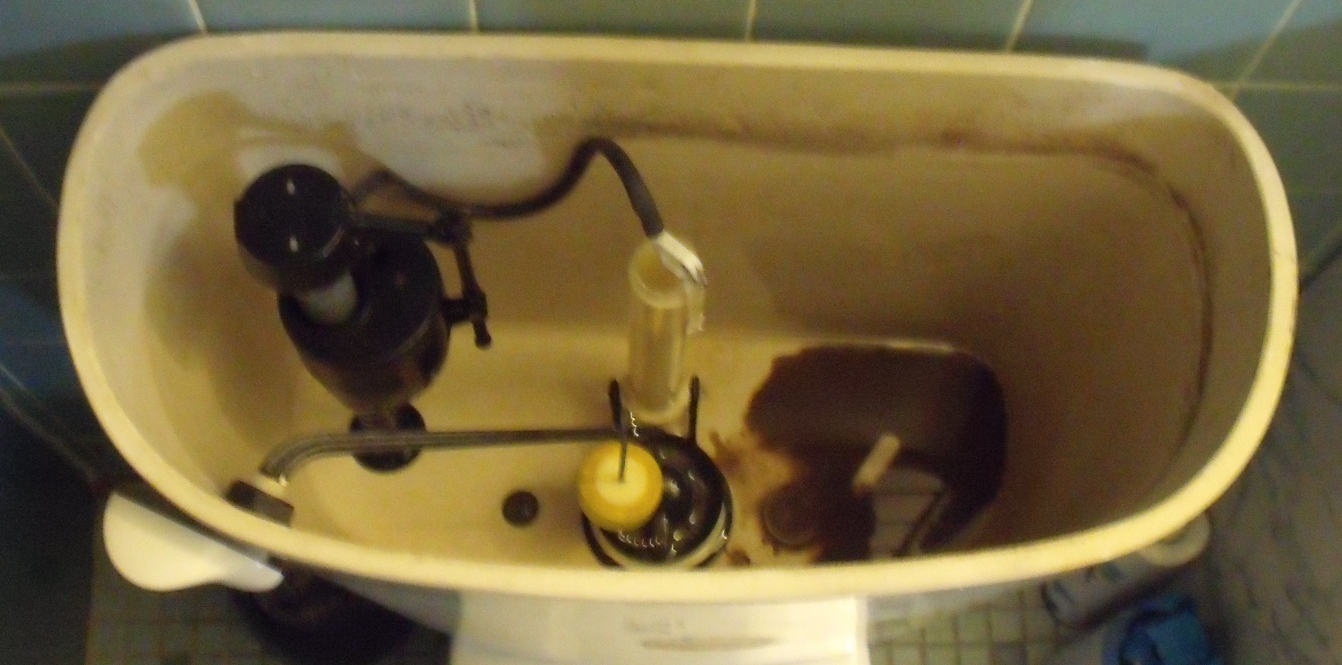
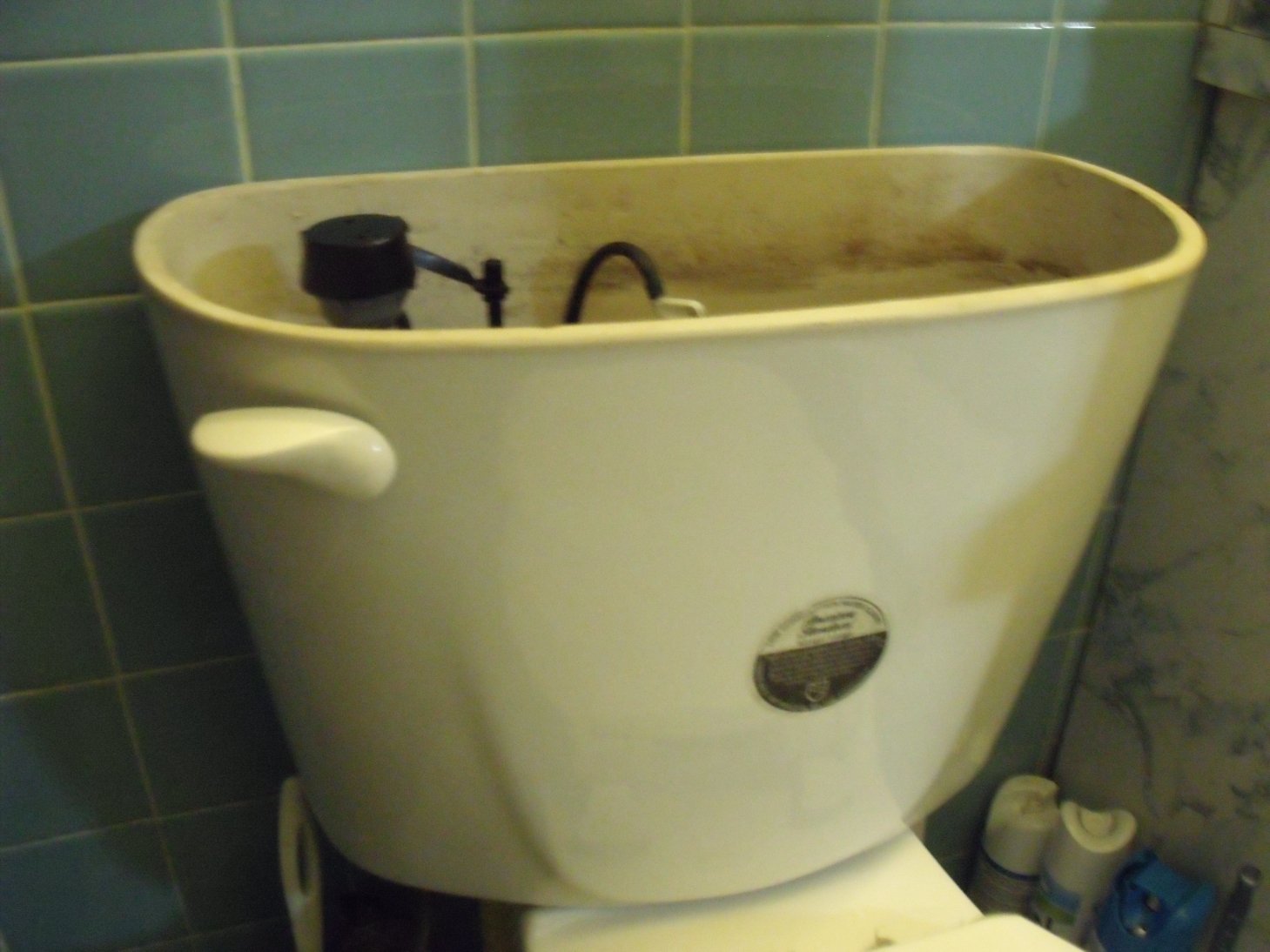
As you can see in the image, this toilet has a typical flapper. The flapper is a rubber stopper that is connected to the handle by a chain. When you press the handle, it pulls up, allowing water to empty from tank to bowl. For this retrofit, we will be replacing the flapper with the retrofit unit.

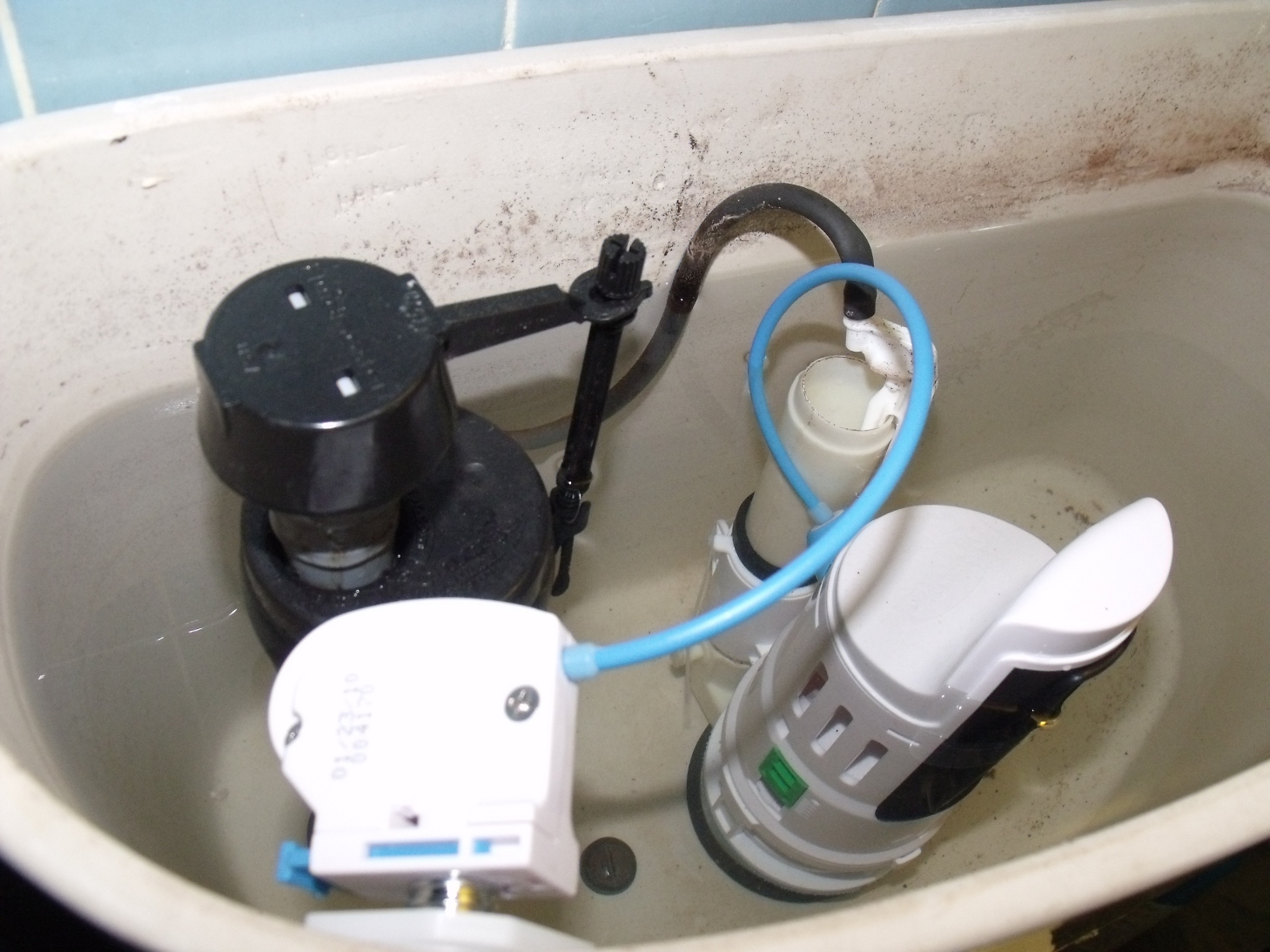
Installation was surprisingly easy. First we shut off the water and drained the tank. Then we removed the handle and the flapper and set them inside in case the mechanism did not work. The retrofit mechanism slips in place of the flapper and is a tall unit, so you need sufficient clearance. It is then secured with a zip tie in the back to the overflow tube. The overflow tube is next to the drain(where the flapper is normally inserted), and serves the purpose of preventing the tank from overflowing.

A button is then inserted into the hole where the handle once was, and attached to the control box, which is connected to the retrofit unit by a blue cable(as pictured)

Then, after following some calibration tests, your toilet is ready to be more water efficient. Fun, huh? The actual installation only took about twenty minutes, and we’re sure it would be faster the second time. We’ve given some time to test and the toilet is running without problem. The button mechanism has a low flush for liquid waste and a high flush for solid waste.

The only problem is making sure guest know how to properly use the new mechanism, but that is fairly easy to explain. So, for less than thirty dollars, we’ve committed to water savings, efficiency…and it makes for an interesting conversation piece.

Any questions?

[asa]B002NKRR7Y[/asa]

Published on June 2, 2010
Full Post
0 Responses

Froyo is Coming…Are you Ready?

Giant Google Android statue with puppy and cupcake
Image by ToastyKen via Flickr

Android 2.2 is here…well, not on our Android devices. But Google announced the new version, codenamed Froyo. Here are some highlights:

  • Dedicated shortcuts on the Home Screen for Phone, Launcher, and Browser.
  • Password unlock in addition to pattern unlock
  • New UI for camera controls
  • Portable Hotspot built-in
  • Improved Browser Performance
  • Improved Application and Memory Performance
  • New Media Framework
  • Voice Dialing over Bluetooth
  • App Storage on SD card
  • Apps Can Now do Data Backup and Restore
  • Car Mode and Night Mode controls and configurations to adjust their user interface for these situations
  • Adobe Flash support(More on this here)
  • Desktop to Mobile functions

We don’t have any pictures, but Engadget does, and they can be found here.

Well, voice dialing over Bluetooth has been sadly missing, and is a safety concern. With the increased public program to prevent texting while driving, and to encourage safety, it seems this is the best move. We were outraged this option wasn’t enabled initially, as were many.

The keynote also demonstrated being able to initiate app installation and other functions on your desktop, and transfer that to the phone. This, and automatic updates, also coming, are two features that people have felt are lacking in the Android marketplace. Third party apps have tried to fill the gaps, such as AppBrain, which is very useful, but still needs to call the Android Market to install.

Hopefully, it will be in our hands soon.

Published on May 20, 2010
Full Post
0 Responses

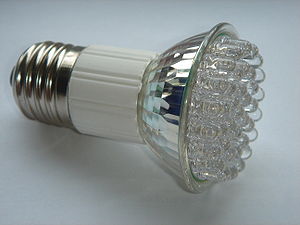
LED Lightbulbs That Don’t Stink Coming Soon

LED lamp with E27 Edison screw.
Image via Wikipedia

We love the idea of LED lightbulbs. Like so many technologies, CFLs just started to get good, and adopted by the mainstream when the latest thing comes. LED lightbulbs last over ten times longer, use less electricity, and…are dim. Very very dim.

We can’t even find equivalency on most LED bulb packages we’ve seen. We’re used to CFLs being categorized as the equivalent of a specific watt incandescent. Those stats are suspiciously missing from LED packaging. They use the more accurate lumens…but how many people have a sense of what a lumen is?

We checked the lumens on a  CFL and compared them to the LED and found it…again. DIM.

The New York Times reports that Osram Sylvania’s  Ultra bulb, available in August, and Philips’s EnduraLED, which will be in stores in the fourth quarter, will use just 12 watts of power to equal the light output of a 60-watt bulb. The 60-watt bulb is the standard of light bulbs.

The prices for these bulbs will be $30-$60…and hopefully in 2 or 3 years, down to $20, which is more expensive than a CFL bulb…but it does last ten times longer, uses less electricity, and doesn’t have some of the CFL issues, such as mercury usage.

Perhaps we’re skeptical, but we’ll believe it when we see it. We’ll gladly be early adopters, and hope LED bulbs get to where we’d invest.

Published on May 17, 2010
Full Post
0 Responses

Reading News and Such on the Android

Information consumption is one of the primary reasons for going with an advanced phone over a simpler option.

Traditional media has been slow to get into the online game. That is not to say they don’t have an online presence, but with some considering putting their content behind paywalls and such, it is clear things cannot continue as they are.

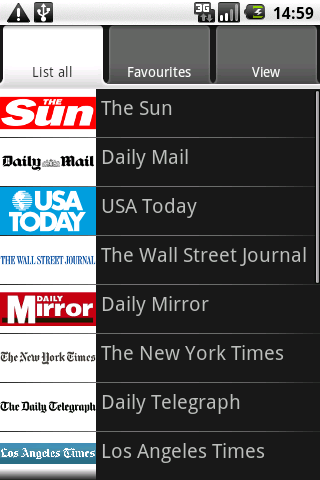
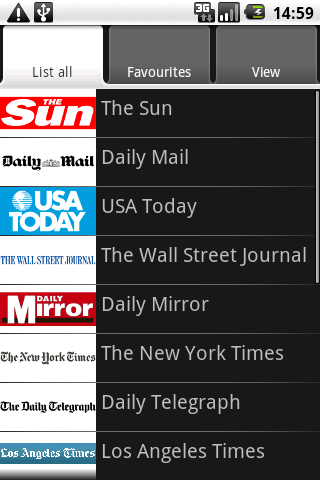
The New York Times released its Android app, apparently very similar to its iPhone app. We had been using Newspapers(pictured right). It is a simple web application. Essentially, it allows you to scroll the various news sources in a menu format and pull the mobile sites up…so it is more like a directory. But directories still have their place.

Our current favorite app for reading news on the Android is Newsrob, available in pro and free versions. It is an RSS reader that syncs to Google Reader. It also caches articles locally. Recently, during a plane trip, in airplane mode, we could read all full content RSS feeds that had been cached to the phone. It encouraged us to buy the pro version. Developers need to be rewarded, or they won’t continue to develop.

It may not be encouraging for newspapers and other sources that a mobile phone app can make purchasing the paper obsolete. Hopefully, papers will find ways to monetize this sort of reading in such a way that allows them to stay in business, but does not make readers jump ship to free sources of information. Putting the content behind a pay wall has not worked so far.

But at the least, we are as well informed as we want to be. What do you use to get your information fix? Do you put news widgets on your home screens? Share with us.

Published on May 13, 2010
Full Post
0 Responses

Dropbox Comes to Android

Image representing Dropbox as depicted in Crun...
Image via CrunchBase

Yesterday, we joined the Dropbox for Android Beta program, planning on using it for a day or two and then writing about it. Today, Dropbox is in the Android market. Either we got in on the tail end of that beta, or Dropbox decided to press forward.

Dropbox is a file sync service that gives you a default 2GB of storage in the form of a directory on your computer. Anything in that directory is synced to their service. More memory is available for an additional charge. We use it to keep our documents and data files synced between computers.

Now, we can access our important synced files using the dedicated Dropbox app. One more way of making the information we want available anywhere. We’re excited, are you?

Published on May 5, 2010
Full Post
6 Responses

MythTV Rig Update: Back to the Home Theater Frontend

Since we last spoke of our Home Theater Frontend, it has gone through some changes. You can click here to see the pictures from the previous iteration.

After writing that, we started thinking about our lack of HDMI support, and started preparing for our glorious HDMI filed future. HDMI is the standard which is, and will be used going forward for digital video content, and carries both audio and video in a single cable. So, we wired up an HDMI cable with two DVI adapters to replace our existing DVI cable.

But that wasn’t enough, so we hopped on a Newegg deal for a video card that output to HDMI…one adapter down. Then, even though we hadn’t planned on it so soon, we upgraded the computer monitor we were using to a 32″ Westinghouse HDTV. It had an SPDIF line out, so the audio signal can return to the older receiver. It is amazing how one little decision…to prepare for a future upgrade can induce you to invest earlier.

Why 32″ and not 42-47″ or beyond? Well, size considerations for the room. Here’s a picture from when we emptied the area to work on it. You can see the preparations mounting the new TV waiting there. High above is the room wi-fi antenna.

Here is the new mount and HDTV. It can extend a foot and a half from the wall, and tilt to a variety of different angles. And the mount is rated for roughly four times the weight of the television. HDTVs have been getting lighter. Either way, that mount is bolted into two studs, something we wanted. If it comes down, which it isn’t, it’s taking the wall with it.

Published on May 2, 2010
Full Post
0 Responses

Android, Web Browsers, and Bookmark Sync

The generic globe logo used when Firefox is co...
Image via Wikipedia

This week, two new browser projects released pre-release versions of Fennec(the mobile version of Firefox), and Skyfire 2.0 Beta.

http://www.youtube.com/watch?v=9t00fEV2_kE

Skyfire as a browser seems to have a lot to offer. It offers multi-tab browsing, some Flash video playback options. Meanwhile, if you know Firefox, you know what Fennec is based on. But apparently, they felt comfortable enough to release a pre-release alpha for people to see.

Remember, Alphas and Betas are not meant to  be stable. We didn’t try installing Fennec on our Droids, here’s a video from Android Central reviewing it. Fennec appears to be very well laid out so far, and will sync to your computer using Mozilla Weave.

There is the fully released Dolphin Browser. Many people have switched to it from the stock browser. It supports Bookmark Sync with Google. We did try Dolphin Browser, but we’ve stuck with the stock browser…for now.

We admit that, as Firefox users, we use Xmarks, which also syncs to Google Chrome, to keep track of our bookmarks. If you want to use that on Android, the current only way to do it is to use mobile.xmarks.com. You can bookmark that, and log in, and you’ll get your bookmarks. And it keeps the custom order you set up in Firefox.

What solutions do you use? We don’t claim to be Android experts. We’re learning about our Android phones day by day, as any user. We’ll share our thoughts, but we want to hear yours. How do you keep track of bookmarks and settings? What is your preferred browser?

Published on May 2, 2010
Full Post
0 Responses

Turning Off Your Lights Part II – Night Lights and Light Sensors

Image showing both a fluorescent and an incand...
Image via Wikipedia

Last time, we discussed the simple and easy to implement technologies of Occupancy Sensors and Countdown Timers to control lights. After we posted it, we missed one simple and overlooked item we use. Nightlights.

We’re not talking about lights that are kept on so small children are not afraid of the dark. We use nightlights to avoid tripping over something or falling down the stairs in the middle of the night. The simplest is a dim light embedded in the light switch, so it can be seen in the middle of the night. So, how can we save power by keeping lights on?

It is a matter of tendency. We know many people who leave their hall lights on all night. Nightlights are also the most popular use of the currently most energy efficient bulbs, the LED. They aren’t quite ready for primetime, due to their high cost in these forms, but they have come into their own for functions like undercabinet lighting and nightlights.

The second part of the equation is the light sensor. Like the motion sensor we motioned earlier, the light sensor turns on the light when the room, or the outside is dark. This is often used for outside lighting, and for nightlights, but you can, in theory, hook it up to any light.

By putting these sensors together with the countdown timers and occupancy sensors, you can start planning a setup for your home. Next time, we’ll begin talking about advanced light control systems and home automation. Admittedly, such systems are not cheap. Occupancy sesnsors and such are less expensive, but still require investment for a whole home plan.

Writing this post has inspired us to add more of these simple technologies to our own residence. We have been experimenting with home automation for years, but there are definitely issues, especially the cost. We’ll address this more in the next part of our series.

Published on April 26, 2010
Full Post

Get New Posts By Email